
Fall detection wearables are devices worn on the wrist, hip, or body that use sensors to recognize when someone has fallen and automatically alert emergency contacts or services. Unlike passive alert systems that require you to push a button, fall detection wearables use accelerometers and sometimes machine learning to distinguish between normal movements and actual falls, triggering help without you having to act. A 72-year-old woman living alone might be doing laundry when she trips on a box, loses consciousness briefly, and lies on the basement floor.
A fall detection device on her wrist recognizes the sudden downward motion and hard impact, automatically contacting her daughter and emergency services within seconds—potentially preventing hours of immobilization that could lead to severe complications. The appeal of these devices is straightforward: falls are the leading cause of both fatal and nonfatal trauma in people over 65, and many fall victims cannot reach a phone or remember they need help. For older adults living independently, fall detection wearables represent a middle ground between constant monitoring and complete vulnerability. However, these devices have significant limitations that every user and caregiver should understand before relying on them.
Table of Contents
- How Do Fall Detection Sensors Actually Work?
- The False Alarm Problem and Device Limitations
- Which Wearables Offer Fall Detection and What’s the Difference?
- Choosing Between Automatic Alert and Button-Based Systems
- Battery Life, Coverage, and Connectivity Gaps
- Integration with Home and Emergency Response Systems
- The Future of Fall Detection and Emerging Technologies
- Conclusion
How Do Fall Detection Sensors Actually Work?
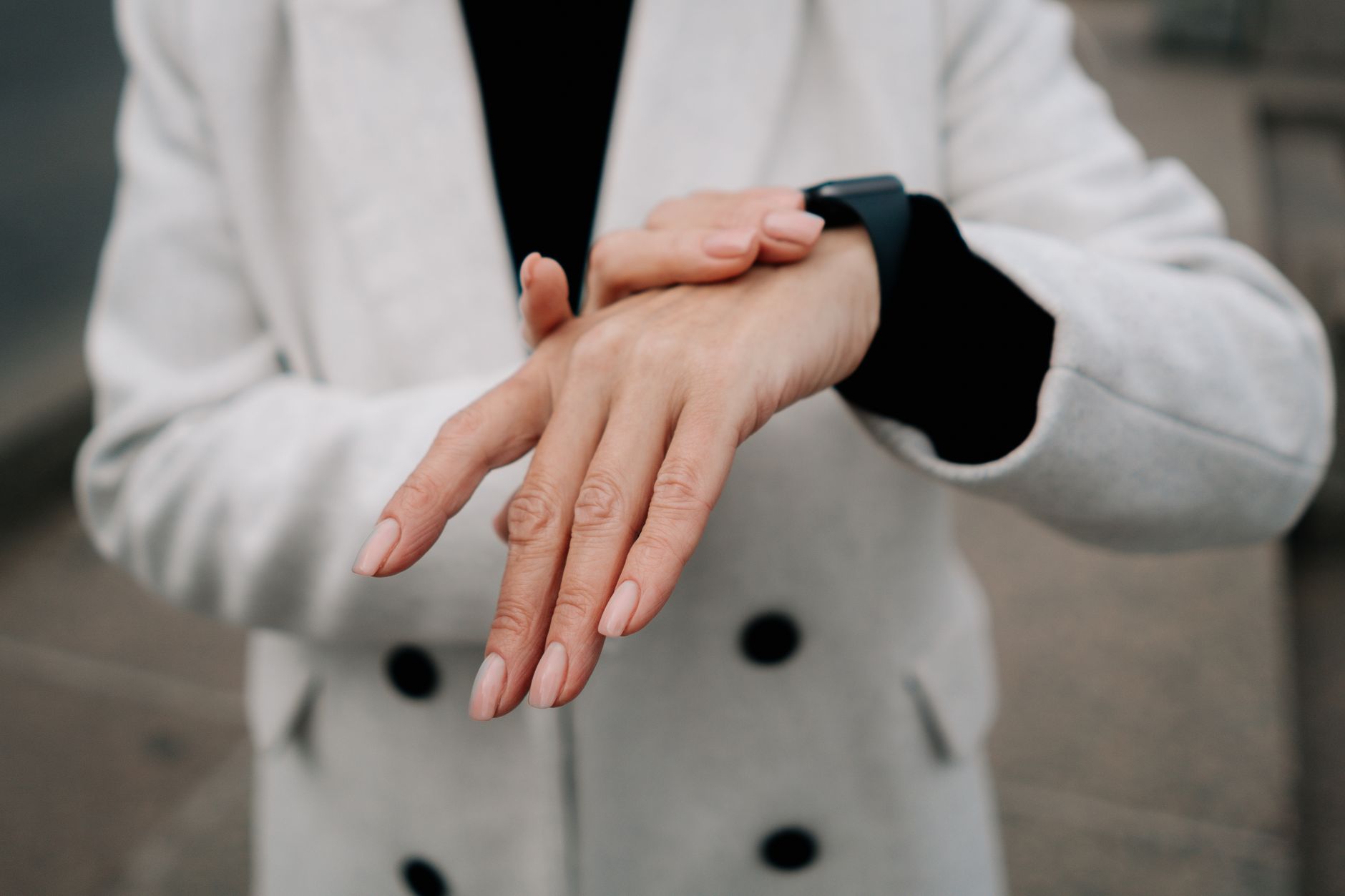
fall detection wearables typically use accelerometers—sensors that measure acceleration and movement in multiple directions—to detect the combination of rapid downward motion followed by sudden stillness or impact. When the accelerometer detects a pattern matching a fall (a specific velocity threshold in a downward direction, followed by an abrupt stop), the device triggers an alert sequence. Some advanced devices also use gyroscopes to measure rotation and barometric pressure sensors to confirm height loss, creating a more complex algorithm that reduces false alarms. Smartwatches like the Apple Watch have pioneered this technology, detecting falls and automatically initiating emergency contact if the wearer doesn’t dismiss the alert within 60 seconds.
The challenge is distinguishing between an actual fall and movements that look like falls to a sensor. Sitting down heavily, jumping off a step, or even bending over quickly can trigger accelerometer readings similar to a fall. A 68-year-old man wearing a fall detection watch might set off multiple false alarms by sitting down hard on the couch or dropping items from standing height. This is why many dedicated fall detection devices add delays—they don’t alert immediately but wait to confirm that the wearer is genuinely immobilized, checking whether they move or respond within 30 to 60 seconds.
The False Alarm Problem and Device Limitations
Fall detection’s biggest weakness is the false positive rate. Studies show that many wearable fall detectors trigger alerts when the wearer hasn’t actually fallen, leading to emergency responders arriving for non-emergencies and users eventually ignoring alerts. A woman playing pickleball might have a sudden directional change that mimics a fall signature; a man reaching for groceries from a high shelf creates a rapid downward motion followed by stillness. Over time, these repeated false alarms erode trust in the device, and some older adults simply stop wearing them or disable alerts.
Additionally, not all falls produce the same sensor signature. A person who gradually slides down a wall or falls forward slowly onto a bed may not generate enough acceleration for the device to recognize it as a fall requiring help. Elderly individuals with gait disorders, Parkinson’s disease, or Alzheimer’s may fall differently than younger adults—sometimes in ways sensors aren’t trained to recognize. A 79-year-old man with Parkinson’s takes a small, shuffling step, loses balance sideways, and gently collapses rather than dropping—a pattern that may not register as a fall on devices calibrated to younger users’ movement patterns.
Which Wearables Offer Fall Detection and What’s the Difference?
Fall detection wearables fall into several categories: medical-alert pendants with built-in fall detection (like Life Alert or Medical Guardian), smartwatches with fall detection (Apple Watch Series 4 and newer, some Samsung Galaxy Watches, Fitbit Sense, and others), and standalone wrist-worn devices designed specifically for fall detection (like SafetyLink, Philips Lifeline with AutoAlert, and Vayyar). Medical alert pendants are worn around the neck or wrist and connect to a monitoring center; when a fall is detected, they alert a live operator who can assess the situation and dispatch help. Smartwatches offer fall detection as one of many functions but may not be as reliable for serious falls since they’re designed for fitness tracking first and emergency detection second.
Standalone fall detection devices like those from Vayyar use computer vision and advanced 3D sensing to actually “see” the fall event rather than just detecting motion, which reduces false alarms compared to accelerometer-only approaches. A 75-year-old using a Vayyar device experiences fewer alerts when she bends down to pet the dog or quickly sits at the dinner table. However, these specialized devices are typically more expensive—ranging from $300 to $600 upfront plus monthly monitoring fees—whereas smartwatch fall detection comes built into devices many people already own. The tradeoff is sophistication versus cost and integration with the user’s existing technology.
Choosing Between Automatic Alert and Button-Based Systems
Fall detection wearables come in two basic alert models: automatic (the device detects the fall and sends an alert on its own) and hybrid (the device detects the fall but requires confirmation, or has a manual button backup). Automatic systems are preferable when someone might be unconscious or too injured to respond, but they’re more prone to false alarms. A hybrid or button-based system requires the wearer to be conscious and able to reach the device, which defeats the purpose during severe falls.
This choice depends on the person’s cognitive and physical abilities. For someone with mild cognitive decline but good physical function, a hybrid system with a large, easily pressible button might work well—the device attempts automatic detection but also lets them manually alert if they’re still conscious. For someone with advanced dementia or frequent unconsciousness, automatic detection is necessary even if it means accepting occasional false alarms. A caregiver setting up a fall detection system for a parent should discuss with the parent whether they prefer the security of automatic alerts or the reduced emergency-service calls from a manual-confirmation model.
Battery Life, Coverage, and Connectivity Gaps
Most fall detection wearables depend on cellular connection, WiFi, or Bluetooth to transmit alerts. A device with dead batteries offers zero protection, yet many users forget charging or the device loses charge during a fall-risk period like a vacation. Smartwatch-based fall detection typically requires charging every 1-2 days; dedicated fall detection pendants may last several days but still need regular charging. A 74-year-old man puts his medical alert device on the charger at night, leaving him unprotected during the evening hours when falls are statistically most common.
GPS and network coverage also matter tremendously. In rural areas or homes with poor cellular reception, fall detection devices that rely solely on cellular connectivity may fail to send alerts. A woman who falls in her basement might have her device fail to establish a connection if the house sits in a dead zone. This is why medical alert companies often recommend devices with GPS backup or WiFi connectivity options, but adding GPS and backup connectivity increases cost and complexity. Some services require the wearer to stay within cell range or near their home WiFi network for reliable alerts, which contradicts the independence these devices promise.
Integration with Home and Emergency Response Systems
The most effective fall detection setup integrates the wearable with other safety systems—video monitoring, emergency contact information, and coordinated response protocols. When a fall is detected and an alert goes out, emergency responders benefit from knowing where the person lives (stored with the monitoring service), their medical conditions, current medications, and their emergency contact preference. Some monitoring services pair fall detection devices with video verification, where an operator can see the person on a home camera to confirm they actually need help before dispatching expensive emergency services.
A 68-year-old woman receiving fall detection alerts has her monitoring service linked to her home’s smart lock system. If she falls and confirms she needs help, emergency responders can use the monitoring service’s stored code to unlock her front door rather than breaking it down. Her daughter also receives text alerts in real-time, allowing her to check in or communicate with emergency responders. This integrated approach—combining fall detection, remote monitoring, smart home access, and coordinated emergency response—creates a safety net more reliable than fall detection alone.
The Future of Fall Detection and Emerging Technologies
Research into fall detection continues to improve accuracy and reduce false alarms. Newer devices use artificial intelligence trained on thousands of real falls to better distinguish actual falls from normal movement, and some companies are developing floor sensors or ambient motion detection systems that don’t require wearing anything. Emerging approaches include pressure-sensitive mats for beds and floors, motion sensors installed in rooms, and even environmental monitoring that triggers an alert if someone lies still on the ground for too long.
However, wearable-based fall detection will likely remain the most accessible and privacy-preserving option for many older adults. A device worn on the wrist or neck represents far less surveillance than cameras in every room, and it requires no home modifications. As algorithms improve and battery technology advances, fall detection wearables may become more reliable, though no system will ever be perfect. The key is viewing fall detection as one layer of a broader safety strategy, not as a complete solution to fall risk.
Conclusion
Fall detection wearables can provide genuine peace of mind and potentially save lives by alerting emergency contacts when someone cannot ask for help themselves. They work best for people living alone or with limited caregiver oversight, and they’re particularly valuable for those who are at high fall risk but cognitively intact enough to understand the device.
However, they are not foolproof—false alarms are common, some falls may not be detected, and network or battery failure can render them useless. Before selecting a fall detection system, discuss with the older adult what type of help they’d want in a fall emergency, where they spend most of their time, how comfortable they are wearing a wearable, and whether automatic or manual alerts feel right for their situation. Pair any fall detection device with basic fall prevention measures—removing tripping hazards, installing grab bars, improving lighting, and maintaining strength through activity—because the best fall to prevent is one that never happens.