
Adult children can help aging parents maintain independence from a distance by setting up digital communication platforms, remote monitoring systems, home safety technology, and care coordination tools before they become necessary. The key is starting these conversations and installations early—ideally during a planned visit or through scheduled video calls—rather than scrambling to implement them after a fall, health crisis, or move. A common starting point is a simple shared digital calendar where family members can see doctor appointments and check-in times, paired with a medical alert wearable for emergencies and a video doorbell so the parent can screen visitors without answering the door.
The challenge for adult children living in different states is that independence isn’t one-size-fits-all. What works for a relatively healthy 72-year-old living alone looks different from what an 82-year-old with arthritis needs. Technology alone isn’t the answer—tools work best when they fit into a parent’s actual daily routine and when the parent has some say in what gets installed. Many adult children buy comprehensive systems their parents never use because nobody explained why the tool matters or how to actually operate it.
Table of Contents
- What Independence Tools Do Adult Children Actually Install for Aging Parents?
- Digital Platforms and Communication Barriers When Families Are Spread Out
- Medical Alerts, Fall Detection, and Remote Monitoring From Afar
- Smart Home Technology for Safety, Lighting, and Daily Monitoring
- Care Coordination and Medication Management Across Distance
- Caregiver Coordination and Managing Professional Help Remotely
- Planning for Transitions and When Independence Tools Are No Longer Enough
- Conclusion
- Frequently Asked Questions
What Independence Tools Do Adult Children Actually Install for Aging Parents?
Independence tools fall into several overlapping categories: safety monitoring (medical alerts, fall detection, motion sensors), communication and connection (video calling, messaging apps, shared calendars), home management (smart locks, video doorbells, automated lighting), health tracking (blood pressure monitors, medication reminders), and care coordination (shared task lists, caregiver schedules, appointment tracking). A 58-year-old daughter in Chicago managing care for her 79-year-old father in Arizona might set up a combination: a medical alert pendant he wears, a video doorbell so he can see who’s at the door, a smart medication dispenser that reminds him to take pills and alerts her if he misses a dose, and a simple group text thread where three adult children share updates. Not every tool is technology-based.
Some adult children arrange professional home cleaning or yard services, set up a neighborhood buddy system, or establish regular in-person visits from a trusted local friend or family member. A remote adult child might work with a local geriatric care manager—a professional who does in-home assessments, coordinates with doctors, and reports back to the family—as a way to have reliable eyes and ears locally. The limitation here is cost and the challenge of vetting someone trustworthy.

Digital Platforms and Communication Barriers When Families Are Spread Out
Setting up a shared digital system requires choosing platforms that the aging parent will actually use. This sounds simple but is often the biggest obstacle. Many aging adults resist downloading new apps, forget passwords, or find interfaces confusing. A 75-year-old who has used an iPhone for three years might still not be comfortable with FaceTime, or might open WhatsApp and never find the messages because they’re not looking in the right place.
Adult children often default to platforms they use—Slack, Discord, Zoom, shared Google calendars—without considering whether their parent can navigate them. A practical workaround is limiting to one or two platforms and testing them during a visit. Video calling for emergencies and regular check-ins, plus a simple shared calendar for appointments, is often enough. Some families use dedicated senior communication apps like Caring Villagge or CarePredict, which have simpler interfaces designed for older users and allow family members to post updates and coordinate tasks. The tradeoff is that these specialty platforms are often more expensive than free tech, and the parent still has to remember to check them.
Medical Alerts, Fall Detection, and Remote Monitoring From Afar
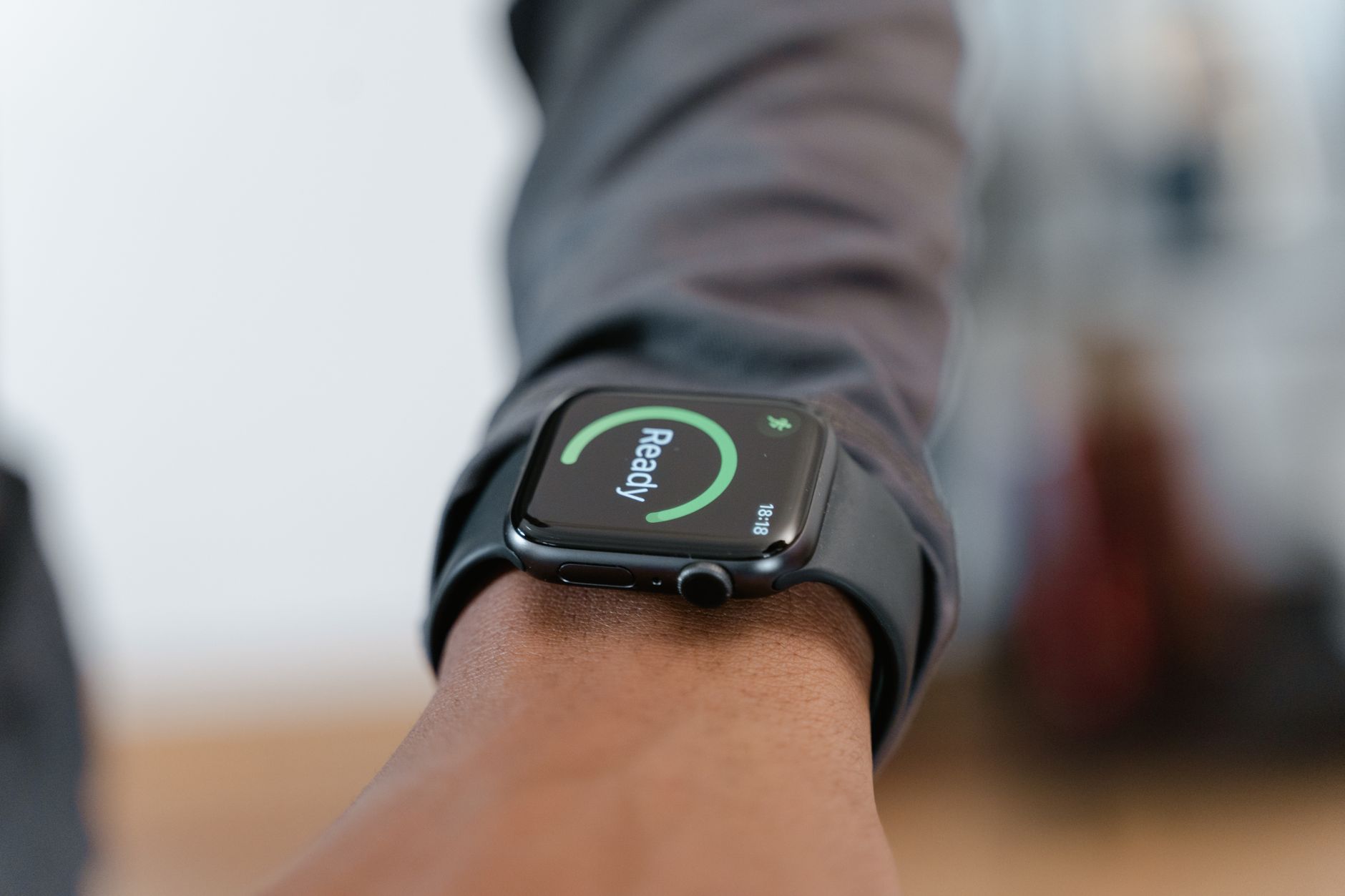
Medical alert systems range from simple wearable pendants that connect to a 24/7 monitoring center (the user presses a button and speaks to an operator) to sophisticated wearables with automatic fall detection that call for help without the user doing anything. For adult children hundreds of miles away, a monitored alert system is often more reassuring than relying on a parent to remember to press a button or call for help after a fall. A 71-year-old mother who lives alone in Florida and has had two falls in three years might wear a device like Life Alert or Medical Guardian, where the monitoring center knows her address, medical history, and emergency contacts, and can dispatch help immediately.
The limitations are significant: false alarms are common with automatic fall detection (sitting down quickly might trigger it), monthly monitoring fees run $25–50, and some older adults refuse to wear a device they see as a sign they’re failing. Additionally, the monitoring center can only dispatch help to the address on file; they cannot assess whether your parent actually needs an ambulance versus a neighbor checking in. Some adult children pair a medical alert with a secondary option—perhaps a smartphone with a large button app, or teaching their parent to use voice commands like “Alexa, call 911″—to reduce the chance they’re unreachable.
Smart Home Technology for Safety, Lighting, and Daily Monitoring
Motion-activated lighting, smart locks, and video doorbells address practical independence challenges. A parent who gets up at night to use the bathroom can have motion lights turn on automatically, reducing fall risk. A smart lock on the front door means adult children can let in a caregiver or cleaning person without hiding a key, and they can remotely check whether the door is locked at night. A video doorbell shows who’s at the door before the parent opens it, important for security and for people with hearing loss who can’t clearly hear who’s outside. The tradeoff is setup and ongoing maintenance.
Smart home systems require WiFi, and many older adults live in homes with poor connectivity. Installing a smart lock sometimes requires a locksmith or retrofitting the door. Video doorbells need a clear line of sight and good lighting. Adult children living remotely often underestimate how much hands-on help these installations require. A parent in Nebraska whose son wants to install a smart lock system might need the son to come in person to handle it, or hire a local handyman who charges $150–200 for installation. The monthly WiFi and service fees also add up—$15 for a doorbell subscription, $10 for a lock service, $20 for a hub, and suddenly the parent is paying $45–60 per month in smart home fees before adding any other services.
Care Coordination and Medication Management Across Distance
When multiple adult children are involved, or when professional caregivers or home health aides are in the picture, shared task lists and care coordination platforms prevent double efforts and missed appointments. An app like CaregivingSupplies, Caregiver, or even a shared Google Sheet allows one family member to mark “Mom took her blood pressure—reading is 145/90” so others don’t duplicate the check-in. Medication management tools like pill organizers with reminders, or smart dispensers that won’t open until the correct time, catch missed doses before they become a safety issue. A common pitfall is creating a system so complicated that no one actually uses it. One adult daughter set up a comprehensive app with reminders, notifications, shared calendars, and doctor notes; her parents never opened it, and she spent more time maintaining the platform than it actually helped.
A simpler approach—a group text thread and a printed calendar on the refrigerator—often works better. Another warning: medication management apps and smart dispensers can create a false sense of security. They’re tools for reminder and organization, not substitutes for regular check-ins. A parent with cognitive decline might not use the dispenser correctly, or might forget they already took their medication and take it twice. Adult children need backup accountability, either through video check-ins or a professional caregiver who physically watches.
Caregiver Coordination and Managing Professional Help Remotely
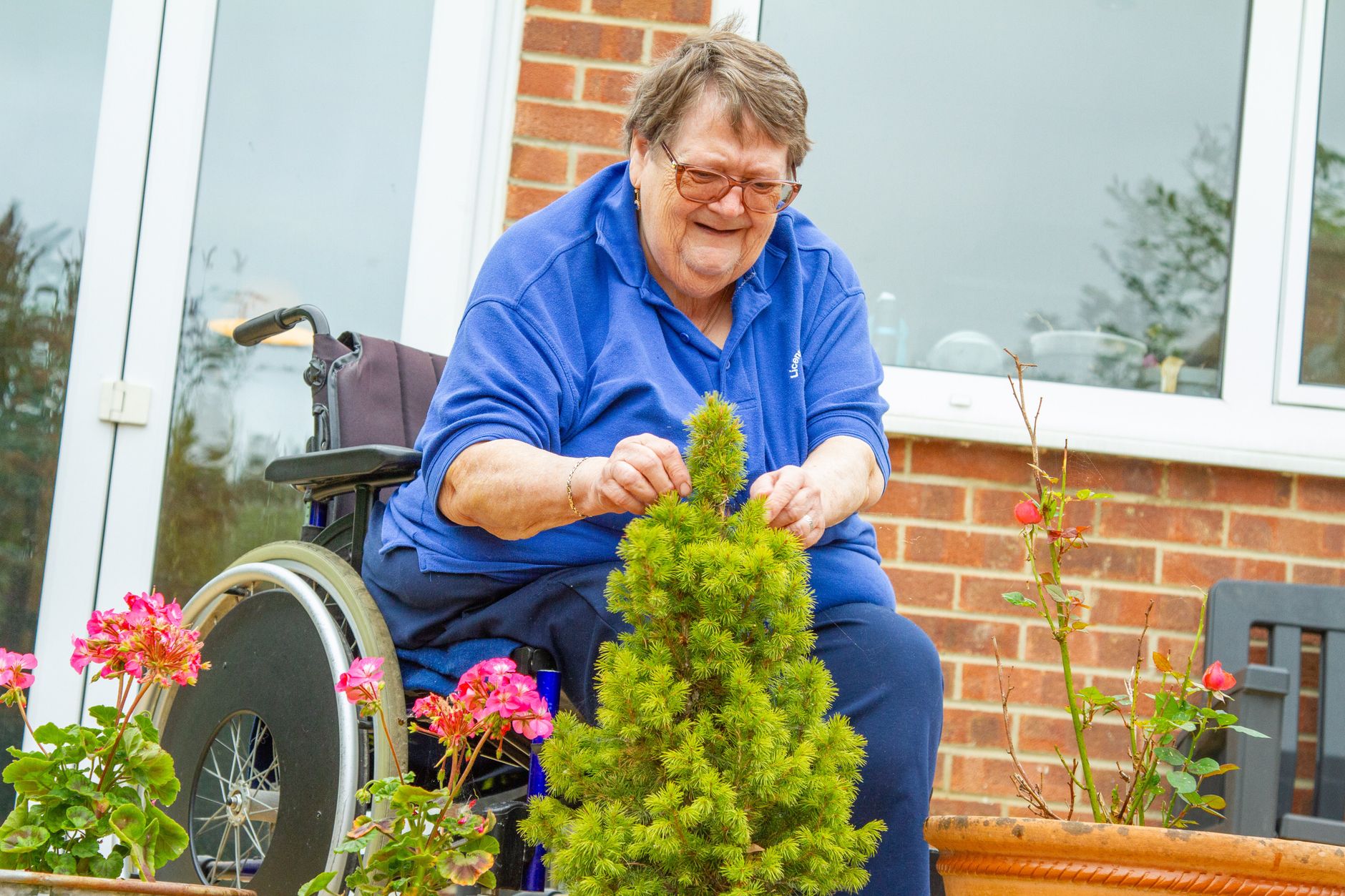
Many adult children hire local caregivers—either through home health agencies or independent providers—as an extension of their own support system. A parent in Florida with a daughter in Colorado might have a home health aide visit three times a week to help with bathing, medication, and meal prep. Remote coordination means the adult child verifies the caregiver showed up on time, did what they were supposed to do, and treated the parent well. Some families use care coordination apps like CarePredict or Caring Companions, which log caregiver activities; others rely on simple check-in calls or messages.
The limitation is trusting a stranger in your parent’s home when you’re not there. Background checks help, but they don’t predict whether a caregiver will be kind or thorough. Adult children often need to make periodic unannounced visits, set up cameras in common areas (with the parent’s knowledge and consent), or ask the parent directly how they’re being treated. Pricing for caregivers ranges widely: $18–25 per hour for independent caregivers found through word-of-mouth or agencies, versus $22–35 per hour through established home health agencies.
Planning for Transitions and When Independence Tools Are No Longer Enough
Independence tools are most effective when they’re in place before a crisis. Adult children who wait until after a stroke, fall, or cognitive diagnosis to start installing systems are playing catch-up. A proactive conversation during a regular visit—”Mom, let’s talk about what happens if you fall, or if you need more help”—allows time to choose tools that actually fit your parent’s life. At some point, digital monitoring and remote tools aren’t enough.
A parent with advanced dementia, severe mobility issues, or rapid health decline needs in-person care. Adult children living across the country sometimes face the difficult decision of moving a parent closer, arranging a move to an assisted living facility, or leaving their jobs to move back home. These transitions are easier when family relationships are strong and when financial planning has happened early. Tools can buy time and reduce worry, but they’re not a substitute for the hard conversations about what happens when aging parents need more than independence tools can provide.
Conclusion
Setting up independence tools from a distance works best when adult children start early, choose tools that fit their parent’s actual daily routine, and test them during in-person visits. The most helpful systems combine technology (medical alerts, smart locks, video calling) with practical support (hired caregivers, neighborhood check-ins, shared calendars) and regular in-person contact. One tool alone rarely solves the problem; a combination approach is more reliable.
The real question isn’t which tool to buy, but how to have honest conversations about what independence means, what help your parent actually needs, and what you can realistically provide from across the country. Adult children who do this well start conversations early, listen to their parent’s preferences, set realistic expectations about what remote monitoring can and can’t do, and build in backup plans. These tools help aging parents stay independent longer, but they work best as part of a bigger family plan—not as a replacement for it.
Frequently Asked Questions
What’s the best first step for adult children who live far away?
Start with a video call to ask your parent directly: “If you fell, what would you do? Do you feel safe at night? Are you remembering your medications?” Listen to their actual concerns rather than guessing what tools they need. Then work with them to choose one or two solutions that feel manageable.
Should I install cameras to monitor my parent?
Hidden cameras are a violation of privacy and illegal in many states. If your parent consents to cameras in common areas like the living room, they can provide reassurance. But cameras don’t replace regular check-ins and can create resentment if used as surveillance. A video doorbell and motion-activated lighting are less intrusive alternatives.
What happens if my parent refuses to wear a medical alert device?
Push gently but don’t force it. Some parents feel a device means they’re failing. Try framing it differently: “This is like travel insurance. You probably won’t need it, but it means we can focus on having fun instead of worrying.” If they still refuse, explore alternatives like a smartphone with emergency shortcuts, a voice assistant like Alexa that can call 911, or regular scheduled video check-ins with a family member.
How much should I expect to spend on independence tools each month?
Basic options (medical alert, video doorbell, shared calendar app) run $40–75 per month. More comprehensive systems with smart home automation, specialized apps, and professional monitoring can run $100–300+ per month. Factor in one-time installation costs ($200–500 if you hire someone locally) and the cost of professional caregivers if needed ($1,500–3,500 per month depending on hours).
Who should I hire to set up a smart home system if I can’t do it in person?
Ask for referrals from local senior centers, aging services agencies, or your parent’s primary care doctor. Some tech companies offer remote setup and support. Always check references, verify they’re insured, and ensure your parent feels comfortable with whoever you hire.
What if my parent lives in a rural area with poor internet?
Rural connectivity can make video doorbells, cameras, and app-based systems unreliable. Focus on alternatives: a traditional medical alert pendant with a cellular backup, a landline phone, regular phone check-ins, or in-person visits from a trusted neighbor or local caregiver who can assess how they’re doing.