
Voice assistants and smart speakers have fundamentally simplified how older adults and people with mobility challenges interact with technology. Instead of navigating menus, typing passwords, or remembering which app to open, you can now speak a simple command like “turn on the bedroom light,” “remind me to take my medication,” or “call my daughter.” Amazon Alexa, Google Assistant, Apple Siri, and Microsoft Cortana have become the primary interface for millions of people who previously avoided technology because it felt too complicated or required too much manual dexterity. What once required opening an app, finding a setting, and tapping buttons now happens with a single sentence.
This shift didn’t happen overnight, but it has been accelerating steadily over the past five years. For people aging in place or managing health conditions that limit their mobility, voice technology has become genuinely life-changing rather than a novelty. The appeal goes beyond convenience—voice commands offer a more natural way to interact with devices when arthritis, vision loss, or limited hand strength makes traditional touchscreens difficult or painful to use.
Table of Contents
- How Did Voice Assistants Become the Standard for Home Control?
- What Limitations Does Voice Recognition Actually Have in Real Homes?
- Real Examples of How Voice Commands Changed Daily Life for People Aging in Place
- How to Set Up Voice Control Safely and Reliably for Someone Aging in Place
- Common Problems and When Voice Commands Don’t Work as Advertised
- Privacy, Safety, and Data Considerations for Older Adults
- The Future of Voice Technology and What’s Coming Next
- Conclusion
How Did Voice Assistants Become the Standard for Home Control?
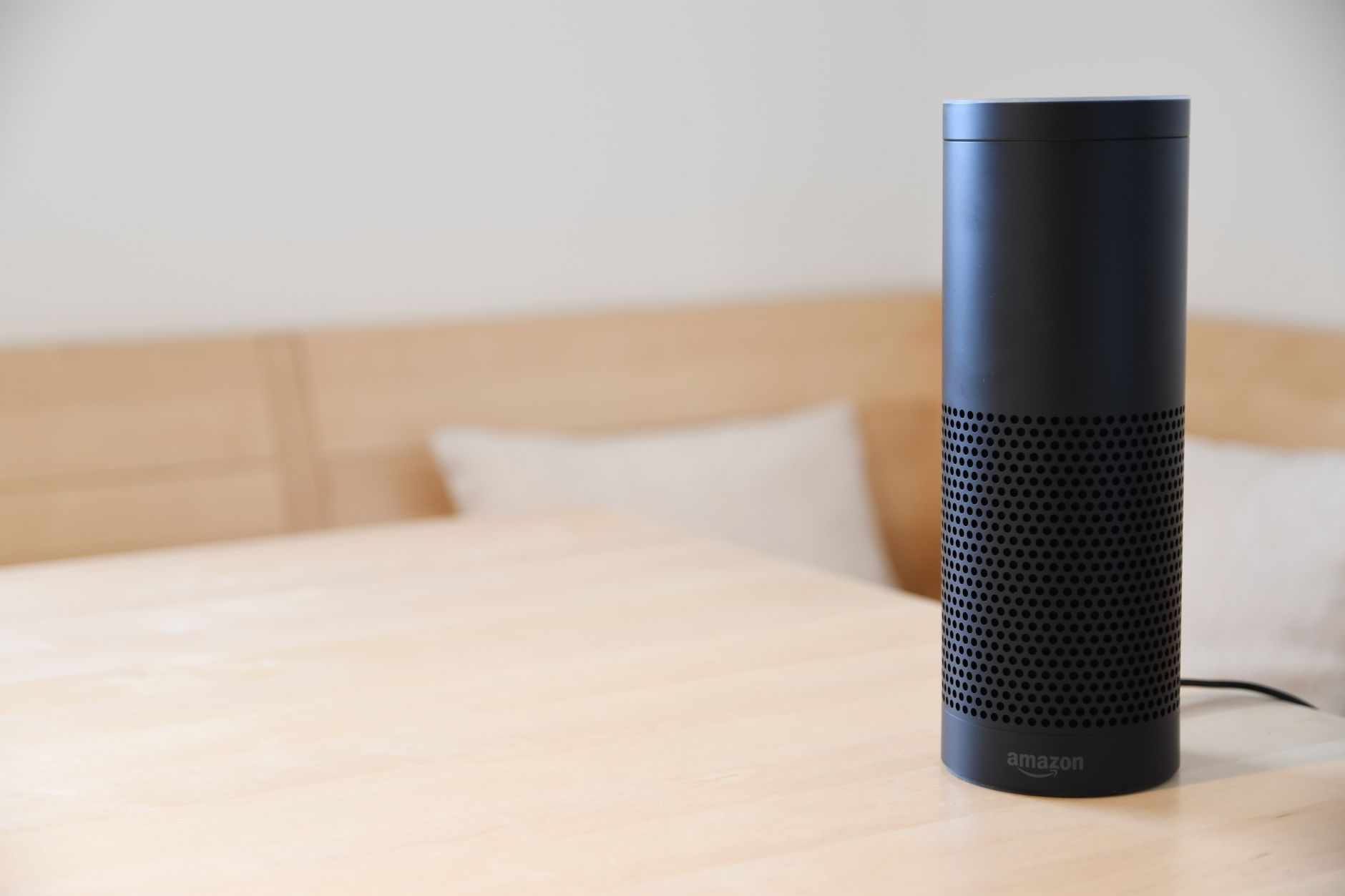
For decades, controlling your home required learning separate systems: one app for the thermostat, another for lights, a third for the door lock, and so on. Each required its own login, its own interface, and often a learning curve that kept many people frustrated. Voice assistants solved this by becoming a universal remote, trained to understand natural language and translate it into actions across dozens of different devices. When Amazon released the Echo in 2014, the device initially seemed gimmicky—playing music and answering trivia. But as developers built integrations, people realized they could control their entire homes by talking. The appeal for older adults became clearer as the technology matured.
A person with arthritis who finds smartphones painful to use can control their lights, adjust their thermostat, and lock their doors without touching anything. Someone with declining eyesight can ask for information instead of reading a screen. A person living alone can voice-activate emergency services without fumbling for a phone. The technology didn’t just replace apps; it replaced the entire friction of learning multiple interfaces. Today, smart speakers are in 35-40% of American homes, and adoption rates are highest among people over 65. The reason is simple: voice commands work for people who are excluded from traditional technology because of disability, age-related vision or hearing loss, or cognitive changes. Unlike an app that requires you to remember where a function is located, voice is more like talking to a person—you describe what you want in conversational language, and the device figures out what you mean.
What Limitations Does Voice Recognition Actually Have in Real Homes?
voice recognition has improved dramatically, but it still makes mistakes, and those mistakes can be frustrating or even dangerous in certain contexts. The most common problem is accidental activation: your device might think you said “set a timer for 10 minutes” when you said something similar, leading to unexpected actions. For a person who relies on their voice assistant to manage health reminders, an incorrect command could mean missing medication or a safety issue. Background noise is another real limitation, especially in older homes with thin walls, multiple people, or where a television is playing. A caregiver or family member speaking in another room can trigger commands, or the device might mishear a command because of ambient sound. If you live in a household with an accent or speech pattern the device hasn’t been trained on, accuracy drops noticeably.
Someone with a stutter, slurred speech from a stroke, or a thick regional accent may find their device responds inconsistently. This isn’t a minor inconvenience—if you’re relying on the device to contact a caregiver or remind you of something important, unreliable recognition is a real problem. Privacy is also more complicated than marketing materials suggest. Voice assistants are always listening to some degree, and while companies maintain they only process audio after hearing the wake word, data breaches, and terms-of-service changes have shown that audio recordings are stored and, in some cases, reviewed by contractors. For someone aging in place who values privacy—especially if they’re discussing health conditions, medications, or financial situations within earshot of the device—this persistent listening can feel intrusive. There are workarounds, like muting the microphone or disabling recording storage, but these steps reduce functionality and require the user to remember to take them.
Real Examples of How Voice Commands Changed Daily Life for People Aging in Place
Consider Margaret, a 78-year-old with severe arthritis in both hands. Before getting a smart speaker, turning on lights meant walking across the room or remembering where she left the light switches she installed on her phone. After setting up an Echo, she could say “Alexa, turn on the bedroom light” from bed without getting up. More importantly, she could control her thermostat by voice—adjusting temperature without the fine motor control needed to press small buttons on a traditional thermostat. This single change reduced her dependence on her daughter to visit and adjust settings. Another example: Robert, a 82-year-old widower, set up a Google Home device specifically to manage his medication reminders.
He receives a verbal reminder at 8 AM to take his blood pressure medication, and the device can also remind his caregiver (his son) via a notification. When Robert missed his medication one day, his son called him—something he wouldn’t have noticed without the alert. The system isn’t perfect, and Robert still sometimes doesn’t hear the reminder if the TV is loud, but it has prevented medication errors that could have had serious health consequences. For people with mobility limitations or balance issues, voice-activated door locks have been genuinely valuable. Instead of fumbling with keys or struggling to reach a door handle, a person in a wheelchair or with a walker can ask their device to unlock the door for a caregiver or visitor. This is especially useful for people living alone who need independence but also need to let helpers inside without physical barriers.

How to Set Up Voice Control Safely and Reliably for Someone Aging in Place
The first practical decision is choosing the right device and platform. Amazon Alexa dominates the market and has the most integrations, but Google Assistant is more accurate with natural language (asking questions, for example), and Apple’s Siri is best integrated if you already use Apple products. For someone aging in place, look for a device with good speaker quality—cheap devices can be hard to hear if there’s any hearing loss—and consider features like drop-in calling (Echo) or video calls (Google Home Hub) if the person lives alone and you want to check on them. Placement matters more than people realize. The device should be in a room where the person spends the most time, ideally away from bathrooms and bedrooms where privacy concerns might be heightened.
It should be at a comfortable speaking distance and in a location where the person can reach the device if they need to mute it or restart it without getting up. Many people put devices in kitchens or living rooms for this reason. Once installed, start simple. Pick one or two commands to master—like “turn on the light” and “set a timer”—before adding more complexity. Complex routines that chain multiple actions together (like “Alexa, I’m leaving home” triggering lights, thermostat, and locks all at once) are powerful, but they can be confusing for people new to voice commands. Wait until the person is genuinely comfortable with basic commands before trying to automate multiple actions.
Common Problems and When Voice Commands Don’t Work as Advertised
One of the most frustrating issues is that voice assistants sometimes stop responding or become “confused” after days or weeks of reliable use. The device may need to be restarted, the Wi-Fi connection may have dropped, or a software update may have changed how commands work. For someone who relies on their device for health management or accessibility, this can create a crisis moment. A person with limited mobility might become stranded if they’re using voice-activated door locks and the device isn’t responding. The solution is to always have a backup—a physical key, a traditional light switch, a manual way to control the thermostat. Another problem is vendor drift: Amazon, Google, and Apple change their devices, their services, and their integrations frequently. A device that worked perfectly last year might lose compatibility with a smart light brand after a software update.
Smart home devices from different manufacturers sometimes don’t work together without a hub device, adding complexity. Someone managing health conditions can’t afford to have their entire smart home system stop working because of an update, so redundancy and simplicity are important. Voice assistant errors in high-stakes situations can be genuinely dangerous. Stories exist of people with mobility issues trying to call 911 by voice command, only to have the device misunderstand or fail at a critical moment. While voice-activated emergency systems exist, they’re not as reliable as picking up a phone and dialing. For someone aging in place with health conditions, voice should augment safety systems, not replace them entirely. Keep a traditional phone available, teach the person how to use physical buttons if voice fails, and don’t rely entirely on automated systems.

Privacy, Safety, and Data Considerations for Older Adults
Voice assistants collect a surprising amount of data: your routines, your habits, what devices you control, and when you control them. This creates a detailed picture of your daily life. Amazon, Google, and Apple all allow users to delete their voice recordings, and they all claim to only store data necessary for improving services.
However, the truth is more complex—some recordings are reviewed by contractors, previous terms-of-service changes have revealed broader data collection than initially disclosed, and security researchers have repeatedly found ways to bypass privacy protections. For someone aging in place who is concerned about privacy, the most practical approach is to understand what you’re trading: convenience for data collection. You can reduce data collection by muting the device when you’re not using it, reviewing and deleting voice recordings regularly through the device settings, and avoiding commands that involve sensitive information. Some people simply decide the convenience isn’t worth the privacy tradeoff and use voice assistants only for certain tasks (like timers and weather) while avoiding anything personal.
The Future of Voice Technology and What’s Coming Next
Voice assistants are becoming more sophisticated and more integrated into health monitoring. Future devices are being designed to detect changes in a person’s speech patterns that might indicate a stroke, monitor sleep quality, or detect falls through audio changes. For someone aging in place, these capabilities could provide early warning signs of health problems that might otherwise go unnoticed. However, this also deepens privacy concerns and creates new questions about data ownership and medical consent.
The technology is also becoming more accessible to people with disabilities. Devices are learning to recognize slurred speech from stroke survivors, adapt to different accents and languages, and work better for people with hearing loss. Within the next few years, voice assistants will likely become the primary way many people, not just older adults, interact with their homes and health systems. The key question for now is ensuring that adoption doesn’t exclude people who need these tools most due to privacy concerns, reliability issues, or failure to accommodate specific disabilities.
Conclusion
Voice assistants have genuinely simplified how people aging in place manage their homes, health, and independence. They’ve replaced dozens of complex apps and interfaces with a single, natural way to interact with technology. For someone with arthritis, vision loss, or mobility limitations, this shift has been life-changing.
But voice technology is not magic—it has real limitations, privacy tradeoffs, and reliability concerns that matter when someone’s health or safety is at stake. If you’re considering voice technology for yourself or someone you’re caring for, start small, test it with less critical tasks first, and always keep backup systems in place. A voice assistant should enhance independence and simplify life, not create new dependencies or vulnerabilities. When used thoughtfully, it can be a powerful tool for aging in place safely and comfortably.