
Voice assistants are fundamentally changing how older adults manage daily life, allowing many to remain in their homes longer and with greater autonomy than would otherwise be possible. Devices like Amazon Alexa, Google Assistant, and Apple Siri have evolved from novelty gadgets into genuine accessibility tools that help seniors accomplish tasks independently—from turning on lights without getting out of bed to calling for help in an emergency, to managing medications and staying connected with family. A 65-year-old with arthritis in her hands can now control her home’s temperature, order groceries, check the weather, and set reminders for doctor’s appointments using only her voice, eliminating physical barriers that might once have required her to ask for help or move around the house more than her mobility allows. The appeal is quiet and practical.
Voice assistants don’t announce themselves as “adaptive technology” or require special training. They work through natural conversation, which means older adults don’t need to learn new interfaces or remember complicated commands. This simplicity is what makes them powerful for aging in place. A senior living alone can ask their voice assistant to play music, turn off the stove remotely, lock the front door, or summon emergency services without fumbling for a phone or navigating multiple menus. For many, this means the difference between independence and dependence—or between remaining at home and moving into a facility.
Table of Contents
- How Do Voice Assistants Actually Help Seniors Stay Independent?
- The Privacy and Security Trade-offs of Voice Assistants in the Home
- Voice Assistants as Cognitive Aids and Fall Prevention Tools
- Setting Up Voice Assistants Safely for Aging in Place
- Limitations of Voice Assistants for Seniors with Hearing Loss or Speech Issues
- Staying Connected Through Voice Assistants
- The Evolving Role of Voice Technology in Aging Care
- Conclusion
- Frequently Asked Questions
How Do Voice Assistants Actually Help Seniors Stay Independent?
Voice assistants address the specific barriers that threaten senior independence: mobility limitations, cognitive challenges, and the friction of managing complex home systems. Someone with limited mobility can ask Alexa to turn on the bathroom light before attempting to get out of bed, reducing the risk of a fall in the dark. A senior with early memory loss can set voice reminders for medications, appointments, and when to take out the trash. Those with dexterity problems—arthritis, tremors, or weakness—no longer need to use a touchscreen or keyboard; they simply speak. The technology becomes invisible in a way that makes independence feel effortless rather than like managing a disability.
Real-world use cases matter here. An 78-year-old with severe arthritis in her hands used to call her daughter every evening to ask her to turn off the kitchen light and lock up the house. Now she does it herself with voice commands, a small change that translates to less dependence on her family and more autonomy over her evening routine. Similarly, seniors who struggle with balance can keep a voice assistant in their bedroom and bathroom to call for help without hunting for a phone or relying on someone to be nearby. The technology doesn’t restore what aging took away, but it removes friction and creates workarounds that restore function.
The Privacy and Security Trade-offs of Voice Assistants in the Home
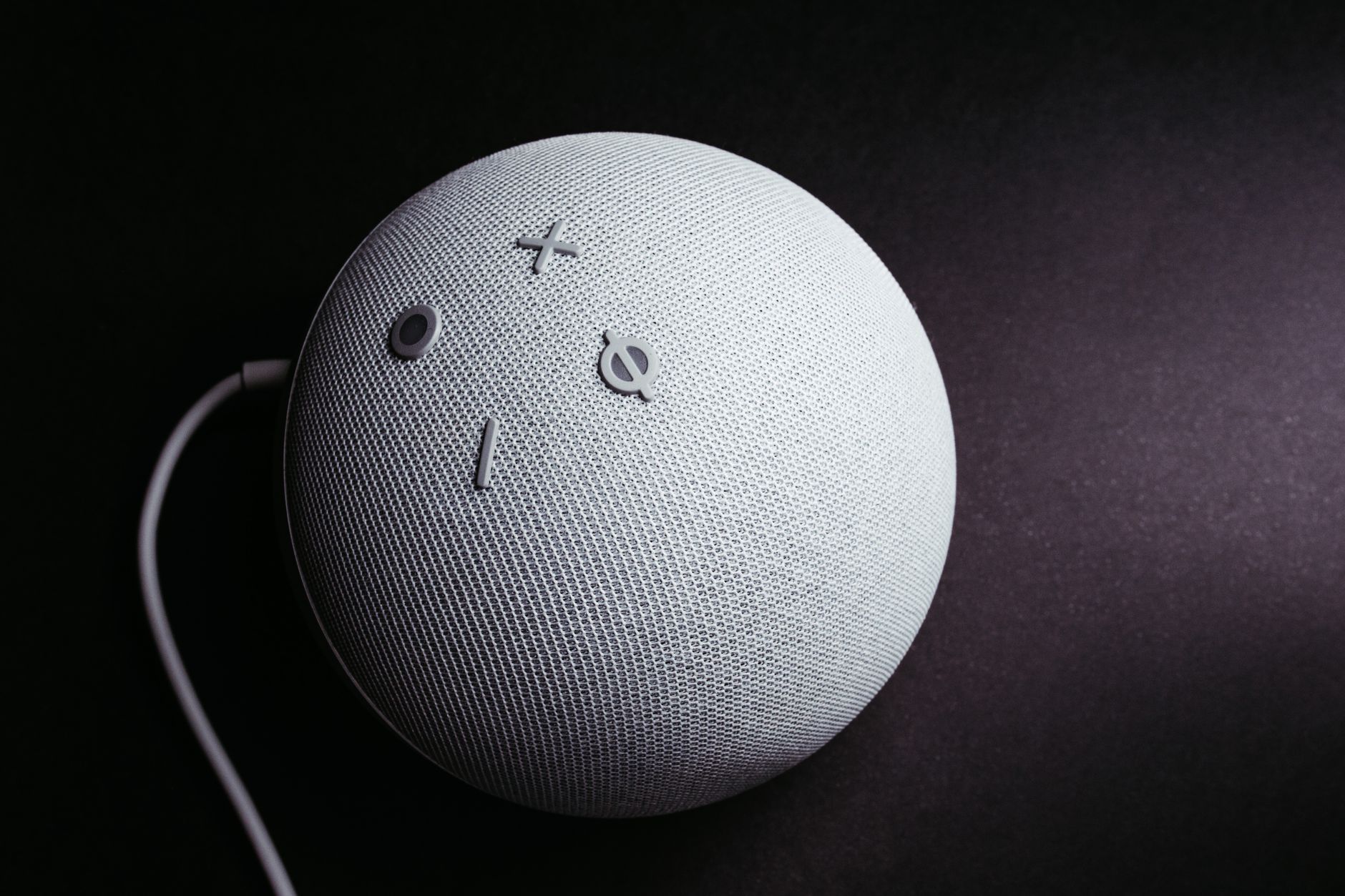
The very feature that makes voice assistants useful—always listening—also creates legitimate privacy concerns that older adults and their families should understand before installing these devices. Voice assistants are designed to monitor the home environment at all times, listening for wake words like “Alexa” or “Hey Google.” While companies claim these devices don’t record or transmit audio until the wake word is detected, independent security research has found that false activations do occur, and recordings can be stored on company servers. For seniors living alone, this means an intimate record of daily life—conversations, health issues, when they’re home or away, who visits—could be captured and, in theory, accessed by the company, law enforcement, or through a data breach. The security risk extends beyond privacy.
Voice assistant vulnerabilities have allowed hackers to activate recordings, play audio through speakers, or issue commands remotely in some cases. For seniors with hearing or cognitive issues, this creates a real safety gap—someone could theoretically order items, unlock doors, or call 911 without the senior’s knowledge. Additionally, voice assistants are often added to networks without strong security practices. A senior might set up Alexa but never change the default Wi-Fi password or keep the device’s software updated, creating an entry point for someone with malicious intent. While these risks are not epidemic, they’re real enough that cybersecurity experts recommend older adults avoid using voice assistants for financial transactions, password storage, or highly sensitive commands unless they fully understand the security protocols their device uses.
Voice Assistants as Cognitive Aids and Fall Prevention Tools
Beyond simple convenience, voice assistants function as cognitive aids that help seniors compensate for memory loss, confusion, or disorientation. For someone with early Alzheimer’s or another form of dementia, a voice assistant can be programmed to deliver reminders throughout the day—take medication, eat a meal, call a family member, or check the door lock. Some seniors use their devices to ask basic questions repeatedly without embarrassment (“What day is it?”, “Have I eaten breakfast?”) in a way they might not ask a family member. This independence is psychologically important; it preserves dignity and autonomy even as memory fades. Fall prevention is another concrete benefit.
Older adults are more likely to fall in darkness or while reaching for something, and voice-controlled lighting can dramatically reduce this risk. A senior can ask Alexa to turn on lights in the hallway before getting out of bed, illuminating the path to the bathroom and reducing the chance of a trip or fall. Some seniors use voice assistants to call for help immediately after a fall, which can be lifesaving; studies show that seniors who fall and can’t summon help quickly face much worse health outcomes than those who can. However, it’s important to note that voice assistants work only if the person can still speak and is conscious—they’re not a substitute for actual medical alert devices with fall detection, which are worn on the body and automatically contact emergency services when a fall is detected. For seniors with very advanced mobility issues or risk of silent falls, a dedicated medical alert system remains the safer choice.
Setting Up Voice Assistants Safely for Aging in Place
Making voice assistants work well for seniors requires thoughtful setup and attention to both capability and safety. Start with the device location: a bedroom or bathroom where the senior spends vulnerable time is more useful than a kitchen, since these are spaces where help is most likely to be needed. Use simple, consistent voice commands that the older adult will remember and that are unlikely to be triggered accidentally. Ensure the Wi-Fi network uses a strong password, and enable two-factor authentication on the account connected to the device. Disable shopping features or restrict them heavily, since accidental or malicious purchases can be expensive and frustrating.
The choice of which assistant matters less than the choice to get help with setup. Amazon Alexa, Google Assistant, and Apple Siri all offer similar core features for seniors, though they differ in ecosystem integration and privacy policies. Google Assistant tends to work well with older adults who use Android phones, while Siri integrates with iPhones and Apple devices. Alexa has the largest ecosystem of smart home integrations, making it a good choice if the senior wants to expand to smart lights, locks, or thermostats later. However, setup is complex enough that many seniors benefit from having a tech-savvy family member or friend spend an hour configuring everything, testing voice commands, and explaining what the device can and cannot do. A rushed or incomplete setup often leads to unused devices gathering dust.
Limitations of Voice Assistants for Seniors with Hearing Loss or Speech Issues
Voice technology assumes the user can hear clearly and speak intelligibly, which creates real barriers for seniors with common age-related challenges. Hearing loss affects roughly one in three people over 65, yet many don’t use hearing aids, and those who do may struggle with voice assistant compatibility. Some hearing aids create feedback when the user is speaking to a device, or the audio quality isn’t clear enough to understand the device’s response. For seniors who are hard of hearing, shouting commands can be frustrating and ineffective, and they may not hear the device’s confirmation that the command was understood. Speech changes with age and health conditions.
Someone who’s had a stroke, lived with Parkinson’s disease, or developed dysarthria (slurred speech) may find their voice isn’t recognized consistently by voice assistants. The devices are trained primarily on clear, conventionally-accented speech, so regional accents, low volume, or speech that’s naturally quieter or slower can cause recognition failures. A senior might say “turn on the lights” clearly enough for their family to understand but have the device fail to recognize the command repeatedly, which creates frustration and defeats the purpose of making tasks easier. There’s also the psychological weight: seniors often internalize these failures as their own fault or see them as signs of cognitive decline, when the problem is actually a mismatch between their speech patterns and the device’s training. For seniors with significant hearing or speech limitations, voice assistants alone are insufficient; they work best alongside other adaptive devices like high-contrast physical buttons, large touchscreens, or written reminders.

Staying Connected Through Voice Assistants
Loneliness and social isolation are serious health risks for older adults—studies show they carry health consequences comparable to smoking or obesity—and voice assistants can serve as a tool for staying connected. A senior can use a device to make hands-free calls to family members without picking up a phone, send voice messages, or join group calls. Some seniors use their devices to listen to audiobooks, podcasts, or music, reducing the sense of isolation when living alone. For someone with limited mobility who can’t easily attend social gatherings, a voice-controlled video call through a connected screen (like an Echo Show) allows face-to-face contact with family without the barrier of holding a tablet or phone steady. However, voice assistants should not be mistaken for genuine social connection.
A senior asking their device to tell jokes or play music is having an interaction, but not a relationship. There’s a risk—real though difficult to quantify—that easy access to voice assistant conversation might reduce motivation to maintain human relationships, deepening isolation rather than offsetting it. The technology works best as an enhancement to existing social connections, not as a replacement for them. A senior living alone who uses Alexa to call their grandchild three times a week is benefiting from the tool. One who talks to their voice assistant instead of reaching out to family members may actually be worsening their isolation over time.
The Evolving Role of Voice Technology in Aging Care
Voice assistant technology is advancing in ways that could make them even more useful for seniors in the coming years. Developers are working on better recognition of age-related speech patterns, which could make the devices more reliable for older users. Some researchers are exploring voice assistants that can detect health changes—a persistent cough, unusual fatigue in the voice, or delayed responses—and alert family members or healthcare providers.
Other innovations include voice assistants that can learn individual speech patterns and adapt to a senior’s natural way of speaking over time, and devices that can have more natural, contextual conversations that feel less robotic and more like talking to a real person. The question for seniors and their families isn’t whether to adopt voice assistants, but how to adopt them thoughtfully. The technology is becoming ubiquitous, and for many older adults, learning to use it is becoming as important as learning to use a telephone was for previous generations. The goal is to use voice assistants as a tool for independence—not as a substitute for human connection, medical care, or real accessibility adaptations, but as one piece of a larger strategy for aging in place safely and maintaining autonomy as long as possible.
Conclusion
Voice assistants are quietly reshaping what aging in place looks like for millions of older adults. They’re not a replacement for medical care, caregiver support, or genuine accessibility solutions, but they’re a practical tool that removes friction from daily life and allows many seniors to live independently longer than they otherwise could. A 75-year-old with arthritis in her hands, a senior with early memory loss, or an older adult living alone who needs to call for help instantly can all benefit from this technology in concrete, measurable ways. The key is understanding both what voice assistants can do and what they cannot, setting them up safely, and integrating them into a broader approach to aging well.
If you’re considering a voice assistant for yourself or a senior family member, start small. Choose a single, simple device in a high-value location like a bedroom or bathroom. Test it for a month to see if it’s actually useful before expanding to more devices or more complex setups. Talk to the senior about privacy and security concerns, and involve them in the decision rather than surprising them with a device in their home. And remember that technology is most powerful when it enhances human connection and independence, not when it replaces either one.
Frequently Asked Questions
Which voice assistant is best for seniors?
There’s no single “best” choice—it depends on the senior’s existing technology. If they use an iPhone or iPad, Apple Siri is most familiar. Android users may prefer Google Assistant. Amazon Alexa has the most smart home integrations and the largest ecosystem of third-party apps, which can be helpful for seniors who want to expand capabilities over time. The most important factor is having someone tech-savvy help with the initial setup, regardless of which device is chosen.
Are voice assistants safe for seniors living alone?
Voice assistants can enhance safety by allowing seniors to call for help without reaching for a phone, but they’re not a complete safety solution. They work best alongside other tools like medical alert devices with fall detection, door locks with remote access, and regular check-ins from family or friends. Privacy and security do require attention—use strong Wi-Fi passwords, enable two-factor authentication, and disable shopping features.
What if a senior has hearing loss or can’t speak clearly?
Voice assistants may not work reliably for someone with significant hearing loss or speech changes. Physical adaptive devices like large-button remotes, high-contrast interfaces, or touchscreen tablets may be better alternatives. Some hearing aids work well with voice assistants, so it’s worth testing the combination before purchasing a device.
Can a voice assistant replace a caregiver?
No. Voice assistants are tools that can reduce the burden on caregivers by helping seniors manage some tasks independently, but they cannot replace human oversight, personal care, emotional support, or medical decision-making. They work best as part of a care plan that includes regular human contact and attention.
How do I set up a voice assistant for a senior with dementia?
Keep it simple: choose one device, limit voice commands to those the person will actually use, and set up reminders for medications and important daily tasks. Disable features that could cause confusion (like shopping or weather alerts that trigger unexpectedly). Have someone available to help troubleshoot if the device stops working as expected, since dementia makes problem-solving harder.
What’s the privacy policy for voice assistants and how much data do they collect?
All major voice assistants collect and store audio recordings, user commands, and device usage data. Amazon, Google, and Apple have different privacy policies available on their websites—review them carefully before setting up a device. You can delete some recordings manually, though policies vary. For seniors concerned about privacy, it’s important to understand what data is being collected and who might access it.