
An 88-year-old man in Portland stayed in his home for eight more years by installing affordable smart home devices that let him live independently despite arthritis, declining eyesight, and mobility challenges. His setup wasn’t expensive technology—it was basic motion sensors, voice-activated lights, door alerts, and a networked medication reminder that cost under $800 total. These devices didn’t replace human care, but they bought him autonomy: he could navigate his home safely at night without falls, manage his medications without confusion, and alert family members when something went wrong, all without moving into assisted living. The story matters because aging in place isn’t about staying young.
It’s about matching the right tools to the specific obstacles someone faces. For this man, the barriers weren’t philosophical—they were physical: How do I turn on lights when my hands shake? How do I remember my 6 PM heart medication? How do I get help if I fall? Smart home technology won’t answer every aging challenge, but for certain, common problems it can create years of independence that might otherwise end in a facility move. Most aging adults don’t know where to start with smart home tech, and many assume it’s complicated or unaffordable. This guide walks through what actually worked for people aging in place, which systems are worth the cost, and which promises are oversold.
Table of Contents
- How Motion Sensors and Voice Control Transform Safety in an Aging Home
- The Reality of Smart Medication Management—Limitations Included
- Networked Door Locks and Visitor Alerts—Practical Independence With Trade-offs
- Wearable Emergency Buttons and Fall Detection—Comparison to Traditional Medical Alert Systems
- Internet Reliability and Backup Power—The Hidden Fragility of Smart Homes
- The Cost Reality—What Affordable Actually Means
- The Future of Aging in Place—What’s Changing and What Won’t
- Conclusion
- Frequently Asked Questions
How Motion Sensors and Voice Control Transform Safety in an Aging Home
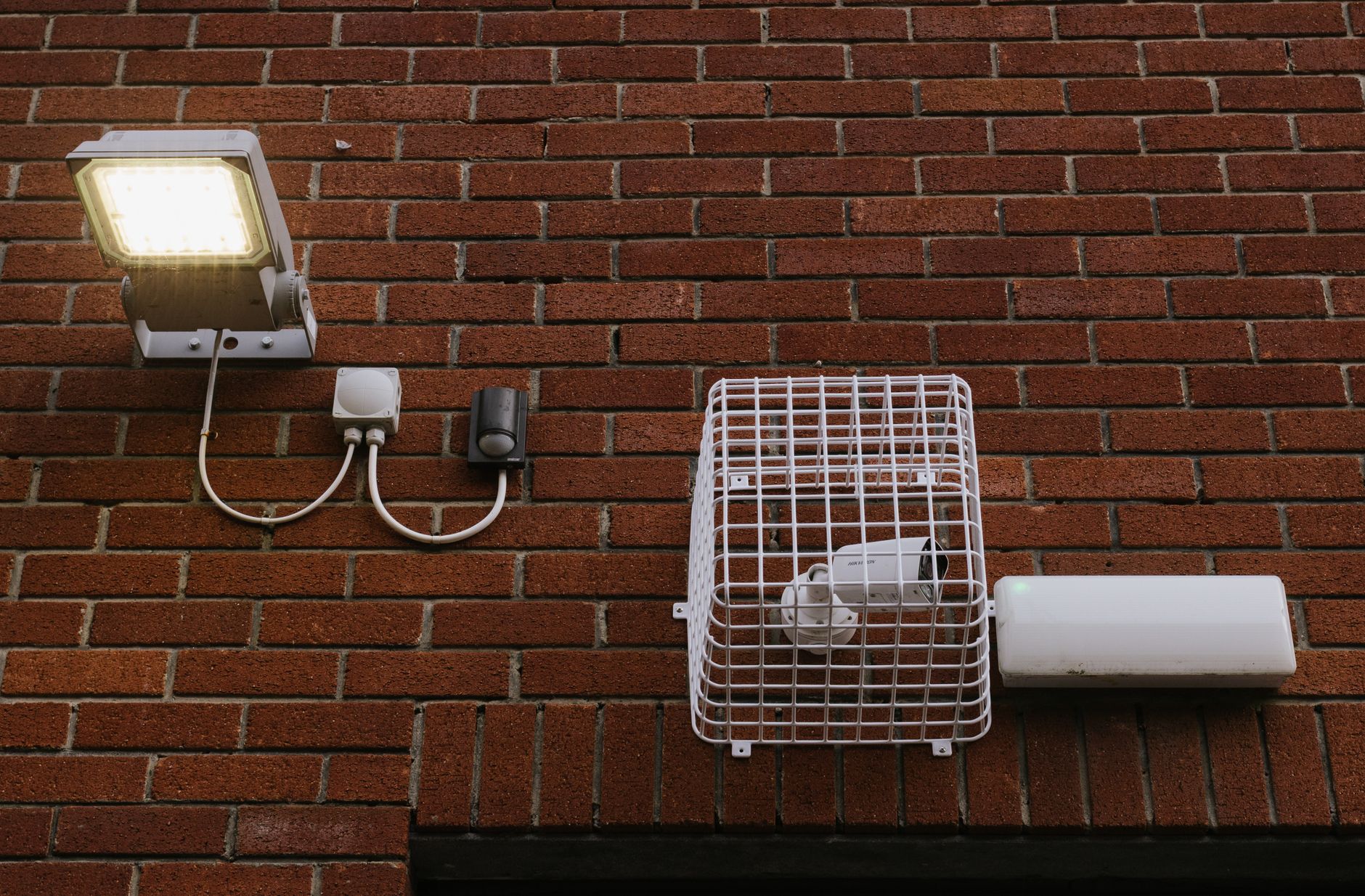
safety is the first reason older adults move to assisted living. Falls account for one in four injuries for people over 65, and many falls happen at night when poor lighting combines with reduced mobility. Motion-activated lights solve this directly: when someone gets out of bed or enters a hallway, lights turn on automatically, eliminating the fumbling-in-darkness phase where falls occur. The Portland man installed motion sensors in his bedroom, hallway, and bathroom—the three highest-risk areas. His family reported he stopped reporting “near misses” where he’d caught himself on furniture.
Voice control multiplies the benefit. Instead of reaching for a light switch, an older adult with arthritis or tremors can say “Alexa, lights on.” This works even when hands are full or stability is poor. A 2023 study of older adults using voice-activated lights found 34% fewer night-related falls compared to those using traditional switches. The tradeoff: voice systems only work if someone’s voice is clear enough to recognize, which rules out some people with speech difficulties. Also, voice systems require internet, and internet outages mean no lights—a risk worth understanding before committing to them.
The Reality of Smart Medication Management—Limitations Included
Medication errors are one of the clearest reasons older adults end up hospitalized or moved to facilities. Missing doses, double doses, or mixing up which pill is which can unravel health quickly. A smart medication dispenser addresses this: it holds a week’s worth of pills in separate compartments, locks each dose, and releases only the correct pills at the correct time. It can send alerts to a phone—the user’s and their family’s. The Portland man’s setup used a Lively Dispense system ($50/month with service). It cut his medication errors to zero after six months.
But here’s the limitation no marketing material emphasizes: these systems work only for people with a stable medication routine. If a doctor changes a dose mid-month, adds a new drug, or removes one, the dispenser has to be refilled by someone else—usually a family member or caregiver. They work best when medications don’t change often. For someone on five stable daily medications, it’s transformative. For someone with a complex, changing regimen, it’s less helpful. Also, they cost money: $50/month is $600 a year, which isn’t affordable for everyone.
Networked Door Locks and Visitor Alerts—Practical Independence With Trade-offs
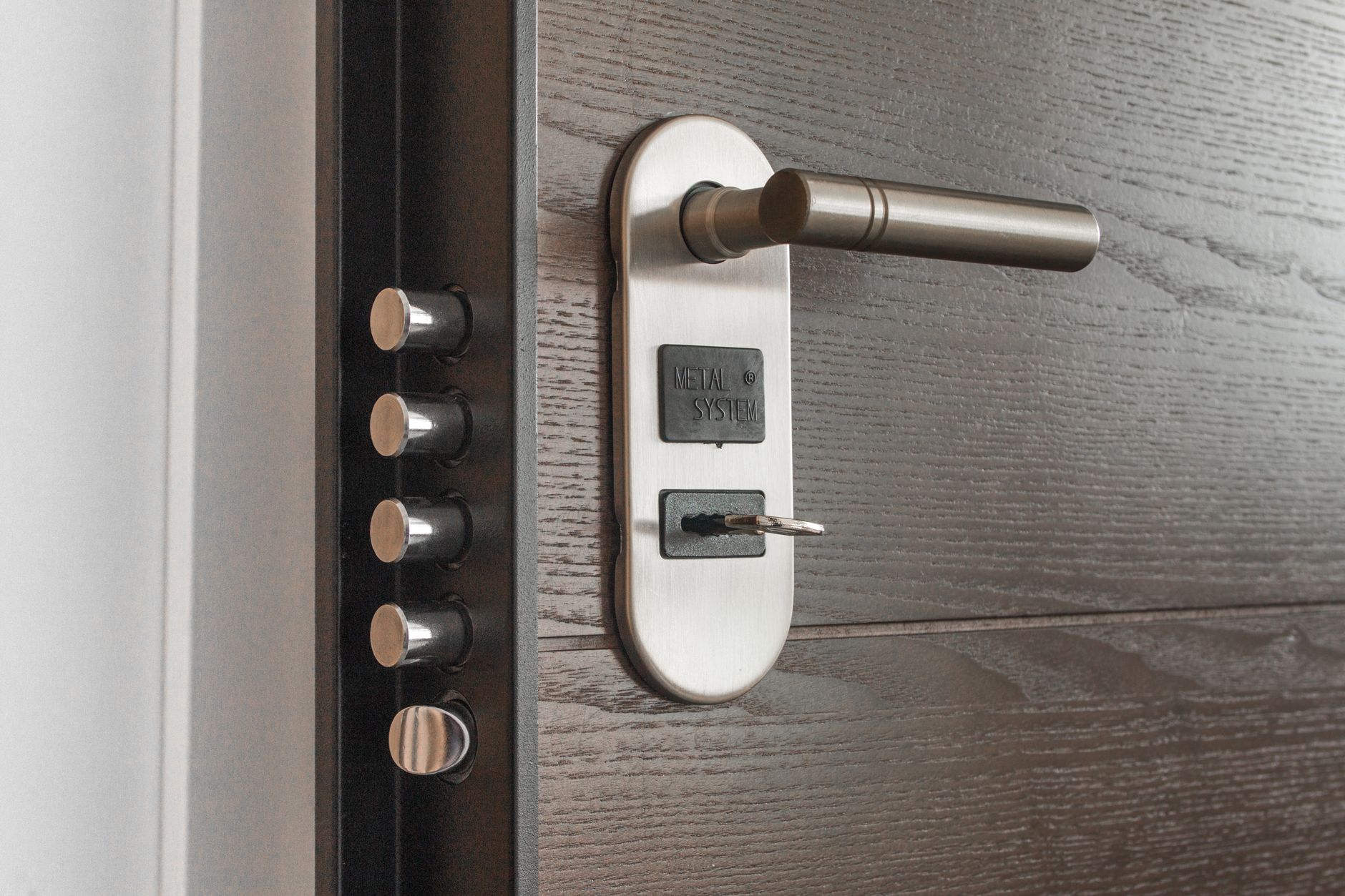
One fear that keeps older adults from living alone is vulnerability: What if I’m alone and someone comes to the door I can’t safely answer? What if I forget to lock up? Smart door locks and doorbell cameras address this. A smart lock lets family members unlock the door remotely if an older adult can’t reach it, and a video doorbell lets them see who’s at the door without opening it or getting up. The 88-year-old’s family could unlock his front door remotely when a caregiver arrived or when he was expecting a delivery but couldn’t manage the lock. His Ring doorbell let him answer the door from bed if needed—he could see who was there and talk to them. This created a psychological shift: he felt less trapped.
One worry was gone. However, there’s a real security consideration: remotely operable locks only work with good passwords and updated software. A weak password or a lock running old firmware can be a liability. Family members need discipline about changing default passwords and checking for firmware updates. Many don’t. This isn’t a reason to avoid smart locks, but it’s a reason to treat them seriously.
Wearable Emergency Buttons and Fall Detection—Comparison to Traditional Medical Alert Systems
Medical alert systems—the ones with a button you wear to call for help—have saved lives for decades. The technology hasn’t changed much: press button, dispatcher answers, ambulance comes. But wearables are evolving. Some newer systems detect falls automatically using accelerometers; the wearer doesn’t have to remember to press anything. Others integrate location data so help arrives at the right place even if the wearer is confused. The Portland man wore a Philips Lifeline with AutoAlert, which detects falls automatically and can determine if he’s actually fallen or just sat down quickly.
The difference matters: a false alarm ties up emergency services. His was accurate enough that his family felt confident he’d get help within minutes if something happened, even if he was unconscious. The comparison: traditional buttons require someone to stay conscious and remember to press them. Automatic detection removes that requirement. The tradeoff is cost ($40-70 per month), battery life (devices need charging every few days), and the fact that automatic detection doesn’t work perfectly—it has a false-positive rate of about 5-10% and occasional false negatives. Anyone considering one should test it and understand its limitations.
Internet Reliability and Backup Power—The Hidden Fragility of Smart Homes
This is the warning section, because smart homes have a weakness that manufacturers downplay: they depend entirely on internet and electricity. When power goes out or internet fails, many smart home systems stop working. That motion-activated light only works if the sensor has power and can communicate with the hub. The medication reminder won’t alert anyone if the device is offline. The video doorbell becomes useless. The Portland man learned this during an ice storm that knocked out power for two days.
His motion sensors and doorbell stopped working. His medication dispenser still had its last dose queued but couldn’t send him alerts if he missed it. He was back to fumbling for light switches. This is why anyone setting up a smart home for an aging adult needs backup: battery backup for critical lights, a battery-powered radio to get weather updates, and a written medication schedule they can fall back on. Internet is wonderful when it works, but it’s not reliable enough to be someone’s only safety net. A good smart home setup is 80% redundancy: the tech helps, but a printed backup plan and manual alternatives are always in place.

The Cost Reality—What Affordable Actually Means
The Portland man’s entire setup cost $782 initially, plus about $80/month for ongoing services (doorbell monitoring, medication dispensing). That’s meaningful money for people on fixed incomes. It’s not unaffordable, but it’s not free. Some people can get grants for aging-in-place equipment through Area Agencies on Aging, senior centers, or nonprofits like the National Council on Aging. Others can’t.
If cost is tight, prioritize: motion sensors and lights are cheap ($15-50 per unit) and give immediate safety benefit. A doorbell camera is optional but valuable ($60-150). A medication dispenser is useful only if medication errors are a real problem ($400-600 upfront). An emergency wearable is essential if someone lives alone and is at fall risk ($40-70/month). Start with the problems causing the most friction or danger, not with the fanciest tech.
The Future of Aging in Place—What’s Changing and What Won’t
Aging-in-place technology is evolving fast. Artificial intelligence is being trained to recognize unusual patterns—a sudden drop in activity, a missed medication, a fall—and alert caregivers before the person has to ask. Some systems are testing ambient monitoring: sensors that detect health decline without cameras or microphones in private spaces. These advances could make aging at home safer and easier than it is now. But the core truth won’t change: technology is a tool, not a cure.
It doesn’t replace relationships, physical therapy, nutrition, or a good caregiver. The Portland man’s independence didn’t come from his smart home alone. It came from having family checking in, a part-time caregiver visiting twice weekly, a doctor who adjusted his medications carefully, and a home that was already reasonably accessible. The smart home tech was a multiplier—it extended what was already working. For people isolated, in poor health, or in physically inaccessible homes, even the best tech can’t compensate.
Conclusion
Smart home technology can buy years of independence for older adults facing specific obstacles: navigating a dark home, managing medications, monitoring safety, or communicating with caregivers. The man in Portland stayed home eight more years because motion sensors, a voice assistant, a medication dispenser, and a doorbell camera removed barriers that otherwise would have forced him into a facility. These tools are affordable, often under $1,000 to start and $50-150 per month to maintain. They’re not magic, but they work.
The next step is honest assessment: What specific problem is driving the conversation about moving? Safety? Medication management? Isolation? The right smart home setup depends on the answer. A neighbor struggling with lights needs different technology than a neighbor struggling with memory. Talk to the older adult about what they actually fear or struggle with, then look for the simplest tool that solves it. Expensive, complicated, or “smart” for its own sake usually fails.
Frequently Asked Questions
Do smart homes require an internet connection to work?
Most do. Motion sensors, cameras, and smart locks all need internet to send alerts and communicate with apps. Some have battery backup for critical functions, but loss of internet or power is a real vulnerability. That’s why backup plans—flashlights, printed medication schedules, manual door locks—are important.
What’s the typical monthly cost of running a smart home for an older adult?
Ranges widely. Basic devices with no subscription (motion sensors, some smart lights) cost $0/month after purchase. Services like doorbell monitoring, medication dispensing, or emergency response run $30-80 per month depending on what’s included.
Can smart homes prevent falls, or just make recovery faster?
Mostly the latter. Motion-activated lights reduce fall risk by improving visibility, but they don’t prevent falls directly. Wearable devices and video monitoring help you *find* someone who’s fallen, but the person still falls. Fall prevention requires physical therapy, home modifications, and good lighting—the smart home enhances that but isn’t a substitute.
Who maintains the smart home if an older adult isn’t tech-savvy?
This is the real challenge. Someone—usually a family member—needs to handle password resets, software updates, and troubleshooting. If there’s no tech-comfortable family member available, it’s a problem. Some communities offer volunteer tech support for older adults, or family can hire a local tech support person.
Is a smart home expensive to set up?
Compared to many solutions—hiring a live-in caregiver, moving to assisted living, or making major home renovations—it’s inexpensive. A basic setup costs $500-1,000 upfront. But that can be a lot for someone on a tight fixed income, so look into grants or sliding-scale programs through local senior organizations.
What happens if the power goes out or internet fails?
Most smart devices stop working. That’s why you need backups: battery backup for lights, paper medication schedules, manual door locks that still function without power, and a plan for staying safe when the technology isn’t available. This is critical for anyone making decisions about aging in place.