
For most nighttime bathroom trips, motion sensors are the safer choice over smart light bulbs alone. A motion sensor automatically activates lights the moment someone enters the bathroom, eliminating the fumbling for switches in darkness that increases fall risk—a critical concern for older adults and anyone with mobility challenges. A 75-year-old with arthritis who installs a motion sensor at bathroom entry will have lights on within seconds of walking through the door, whereas the same person using a smart bulb would need to either find their phone, use a voice command, or locate a wall switch in the dark.
That said, the choice isn’t entirely black-and-white. Smart light bulbs can work well as a supplementary system, particularly when paired with voice control or bedside switches for added convenience. The safest approach for aging in place combines motion sensors for automatic activation with dimmable smart bulbs to prevent the harsh brightness that can cause disorientation during nighttime bathroom visits.
Table of Contents
- Motion Sensors Versus Smart Bulbs—What Actually Works Better for Bathroom Safety
- The Hidden Risks of Relying Only on Smart Light Bulbs
- Installation Realities and Technical Challenges
- Real Cost Comparison and Long-Term Value
- Common Failures That Compromise Safety
- Creating a Hybrid Approach for Maximum Safety
- Future Smart Home Integration for Aging in Place
- Conclusion
- Frequently Asked Questions
Motion Sensors Versus Smart Bulbs—What Actually Works Better for Bathroom Safety
Motion sensors excel because they require zero user action. When someone gets up at 2 a.m. with a full bladder, the last thing they need is to remember to activate lights manually. Passive infrared (PIR) sensors detect movement and trigger within one to three seconds, turning on lights before a person takes more than a few steps. smart bulbs, by contrast, require someone to speak a voice command, unlock a phone, or press a wall switch—all things that become harder in darkness and in the fog of sleep. The practical difference shows itself in real scenarios.
A 68-year-old woman with balance issues gets up for the bathroom and reaches out to stabilize herself on the wall. With a motion sensor, lights are already on. With a smart bulb, she’s moving in darkness until she either fumbles for her phone on the nightstand or remembers she can use voice control. Those extra seconds of darkness multiply the fall risk, especially in homes where hallways aren’t lit. Motion sensors do have a limitation: they require a clear line of sight to detect motion, and some struggle with very slow movement. A person moving slowly due to arthritis or arthritis-related stiffness might not trigger some cheaper sensors quickly enough.
The Hidden Risks of Relying Only on Smart Light Bulbs
Smart bulbs create a false sense of security for aging in place because they seem convenient until the moment they’re needed most. At 3 a.m., after waking suddenly, most people won’t successfully activate a light using voice control if they’re confused or disoriented. Studies on fall prevention show that the window of highest risk is the first few steps from bed, before the brain fully wakes up—exactly when a smart bulb controlled by a phone or voice command fails. Smart bulbs also depend on electricity, WiFi connectivity, and working batteries or charging (if wireless).
A dead battery in a wireless switch or WiFi outage means the smart bulb becomes unusable without manual switch flipping. Motion sensors, especially hardwired ones or those with long-lasting batteries, provide more reliable automatic activation even if other systems fail. A caregiver who relies on checking that the WiFi is up before bed is adding an extra burden that shouldn’t exist for something as basic as bathroom lighting. Another limitation: smart bulbs require selection and purchase of compatible controls—some require apps, others need voice assistants, and many have compatibility issues with older phones or hearing-impaired users who can’t use voice control reliably. Motion sensors sidestep these complications entirely.
Installation Realities and Technical Challenges
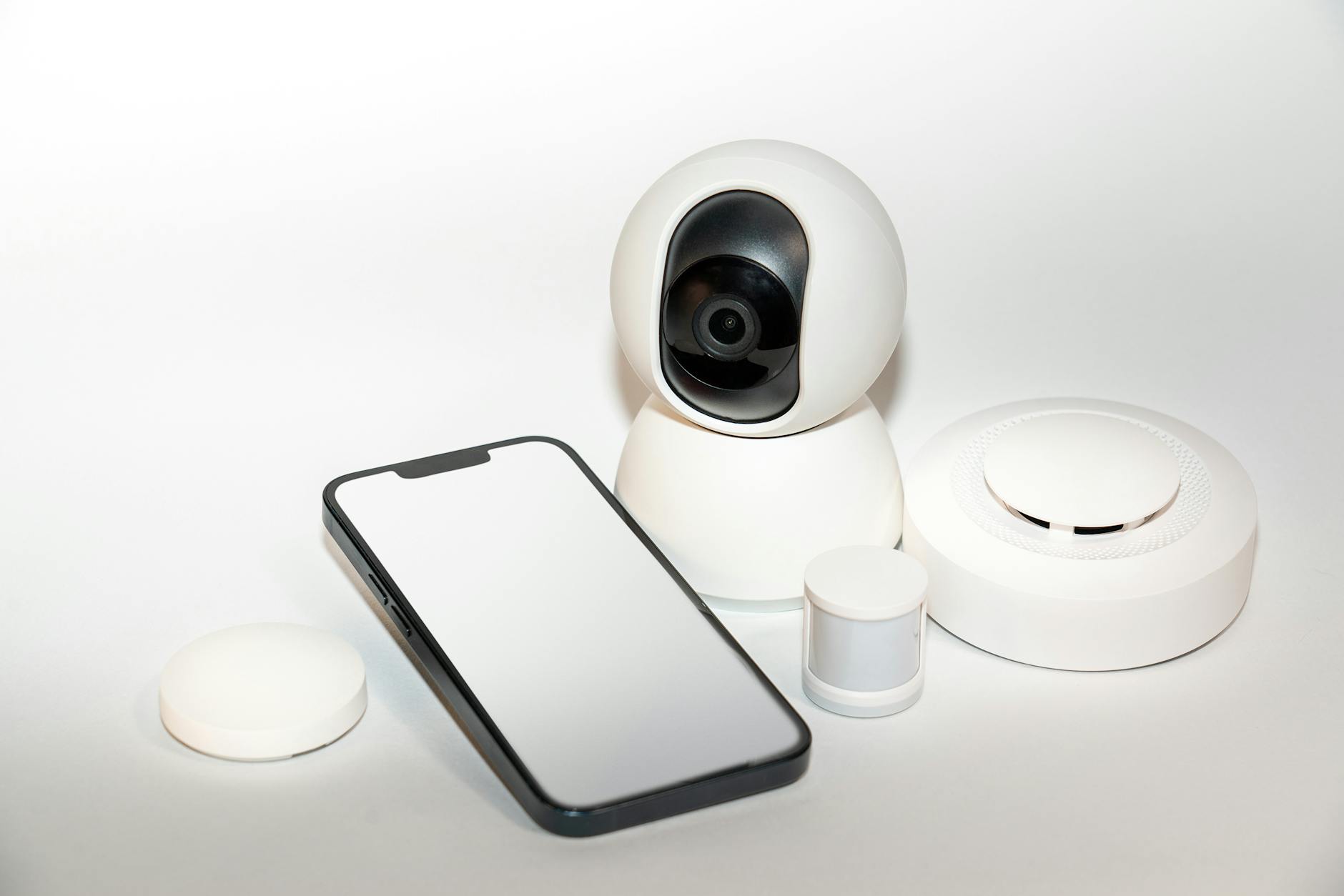
Installing motion sensors involves either hardwiring a unit into the bathroom ceiling or wall (usually near the bathroom entrance), or mounting a battery-operated sensor and ensuring the light fixture itself is compatible. Hardwired sensors require an electrician in most homes, adding cost but ensuring permanent, reliable operation. Battery-operated sensors are easier to install but require ongoing maintenance—forgetting to replace batteries defeats the purpose of a “safety” system. Smart light bulb installation is deceptively simple at first. Screw in the bulb, connect to WiFi, install an app, and assign it to a room.
But the process breaks down when users have multiple bulbs in one bathroom, don’t remember their WiFi password, or the bulb’s app conflicts with other smart home systems they’re using. A 72-year-old who isn’t tech-savvy faces a real barrier. A caregiver managing a parent’s home across town can’t easily troubleshoot when a smart bulb updates its app and suddenly requires re-pairing. Motion sensors avoid this complexity. Once installed and tested, they work the same way every single day for years. A battery-operated sensor with a low-battery warning light removes guesswork.

Real Cost Comparison and Long-Term Value
A basic hardwired motion sensor costs $80–200 installed by an electrician (electrician labor typically runs $100–150 per hour). A quality battery-operated motion sensor costs $30–60 and requires zero installation cost. Smart bulbs range from $15 for basic models to $60+ for advanced ones, and most households need multiple bulbs plus a control mechanism—potentially adding $100–200 for a full system with app control or voice assistant integration. The true cost includes reliability over time. A motion sensor installed correctly works for five to ten years with almost zero maintenance.
Smart bulbs typically last two to four years, and the smart home ecosystem they depend on may change—apps get discontinued, WiFi compatibility issues emerge, and systems become fragmented. A 70-year-old who installed a smart home system five years ago may find that newer bulbs don’t work with older systems, forcing replacement and re-setup. For aging in place budgets, motion sensors deliver better value per dollar of safety gain. A hardwired motion sensor in a bathroom, hallway, and bedroom costs roughly $600–900 total and eliminates the single biggest fall risk for older adults getting up at night. Smart bulbs can supplement this but shouldn’t replace it as a primary safety measure.
Common Failures That Compromise Safety
Motion sensors fail in specific, predictable ways. In bathrooms, steam from hot showers can block sensors temporarily, and in some designs, condensation inside the sensor casing causes premature failure. This is why motion sensors designed specifically for bathrooms have sealed, waterproof housings—a detail that matters. A cheaper motion sensor meant for a dry living room will fail within a year or two in a bathroom environment. Additionally, some motion sensors struggle in bright daylight or with certain types of movement; a person crawling or moving very slowly on the floor may not trigger a sensor designed for normal upright walking.
Smart light bulbs fail differently. WiFi connectivity drops (especially in older homes with thick walls), apps crash or become outdated, bulbs burn out or lose their color-changing ability while still providing dim light (users blame the system), and firmware updates sometimes break compatibility. A caregiver expecting a smart bulb to activate automatically only to find it requires a three-step process defeats the automation entirely. The most dangerous failure mode is a user learning to distrust a system. If a motion sensor fails to activate on the first few uses, or if a smart bulb requires too many steps, the person stops relying on it and defaults to turning on overhead lights with wall switches—the very behavior a safety system should eliminate.

Creating a Hybrid Approach for Maximum Safety
The most effective bathroom setup combines a motion sensor for automatic activation with a smart bulb or dimmer to prevent the harsh, disorienting brightness that can cause older adults to stumble. This solves two problems: the lights come on automatically (motion sensor), and they come on at a gentler brightness level (smart bulb with dimming capability). For example, a caregiver can install a hardwired motion sensor above the bathroom door, set to activate when motion is detected.
Instead of turning on a blinding 100-watt overhead light, the system activates a dimmable smart bulb set to 30% brightness—enough to see clearly but not so bright it causes temporary blindness or disorientation. This combination costs roughly $150–250 total and requires one electrician visit but solves the nighttime bathroom safety problem entirely. Another practical addition: a motion-activated nightlight in the hallway between the bedroom and bathroom. This creates a lit path even before the person enters the bathroom, further reducing fall risk.
Future Smart Home Integration for Aging in Place
As aging in place becomes a more mainstream concern, motion sensors are being integrated with broader home safety systems—they can trigger not just lights but also door unlock sequences, alert caregivers that someone is out of bed, or send notifications to a care facility. Smart bulbs, conversely, are becoming more interoperable, with major platforms (Apple HomeKit, Google Home, Amazon Alexa) settling on more open standards that reduce the proprietary lock-in that plagued earlier systems.
For someone installing systems today, choosing motion sensors as the primary safety tool and smart bulbs as a secondary layer positions them well for future upgrades. Motion sensors won’t become obsolete; they’ll remain the reliable, automatic backbone of a safe bathroom environment as smart home systems continue to evolve around them.
Conclusion
Motion sensors are the more reliable primary safety tool for nighttime bathroom trips in aging in place environments. They provide automatic, hands-free lighting exactly when it’s needed most—those critical first seconds when fall risk is highest.
Smart light bulbs can enhance comfort and convenience but shouldn’t serve as the main safety layer because they require user action that may not happen reliably during sleep-disrupted bathroom visits. The practical recommendation is straightforward: install a waterproof motion sensor at the bathroom entrance (professionally hardwired for reliability), pair it with a dimmable smart bulb to prevent harsh brightness, and add hallway lighting on the path between bedroom and bathroom. This combination is cost-effective, solves the problem it’s meant to solve, and requires minimal ongoing maintenance—exactly what an aging in place safety system should deliver.
Frequently Asked Questions
Can I use just a smart light bulb with voice control instead of installing a motion sensor?
Not as a primary safety tool. Voice control requires someone to wake fully, remember to give a command, and ensure the system hears them correctly. Falls most often happen in those disoriented first moments before someone is fully awake. Motion sensors eliminate this user-action requirement entirely.
Do motion sensors work if someone is in the bathroom already when the lights turn off?
Yes, in most bathroom-specific motion sensors. They have adjustable timeout settings—commonly 5 to 20 minutes—so lights stay on as long as motion is detected. They also typically reset the timer when motion is detected again, preventing unexpected darkness during longer bathroom visits.
Which is better for a caregiver to monitor remotely: smart bulbs or motion sensors?
Smart bulbs offer better remote monitoring potential—a caregiver can see in an app whether lights are on and when they were activated. However, this should supplement, not replace, a motion sensor. The best approach is a motion sensor for automatic safety plus smart bulbs that a caregiver can monitor and control remotely if needed.
How long do battery-operated motion sensors last before needing new batteries?
Quality battery-operated motion sensors typically last 6 to 18 months on standard AA or AAA batteries, depending on how frequently they detect motion. Most have low-battery warning lights. For aging in place, hardwired sensors eliminate this maintenance burden, making them the better choice for users who might forget to replace batteries.
Is a motion sensor safe if someone has pets that might trigger the lights constantly?
Pets can trigger motion sensors, which may increase false activations but doesn’t reduce safety. Many motion sensors have adjustable sensitivity settings to reduce pet-related triggers. For bathrooms specifically, pet-triggered lights are a minor inconvenience compared to the safety benefit of automatic lighting during human nighttime visits.
Can I retrofit a rental bathroom with motion sensor lighting?
Battery-operated motion sensors can be installed in a rental with zero permanent changes. Simply place a regular light bulb in an existing fixture, position a wireless motion sensor nearby, and ensure the bulb is a compatible “smart” bulb that can receive wireless signals. This renter-friendly approach avoids landlord permission issues while still improving bathroom safety.