
No-wiring gadgets for seniors are wireless devices that require no installation of cables, wiring, or complex setup—just unpack them, power them on, and they’re ready to use. These include motion sensors, wireless door bells, emergency alert systems, and fall detection devices that connect via Wi-Fi or Bluetooth without needing an electrician, drilling into walls, or hiring a technician. For example, a motion-activated light can be unpacked and mounted with adhesive strips within five minutes, whereas a traditional wired motion light would require running electrical conduit through your walls and could cost hundreds in labor.
The appeal is practical and immediate. Seniors living alone or those who want to age in place safely benefit from these plug-and-play tools because they eliminate the barrier of installation. Many seniors avoid home safety upgrades altogether because the installation process feels overwhelming or disruptive. With wireless gadgets, a 75-year-old can set up a door sensor, a bed alarm, or a video doorbell themselves in the time it takes to watch the instructional video.
Table of Contents
- What Types of Wireless Gadgets Can Seniors Set Up Without Wiring?
- Understanding Setup Limitations and Hidden Challenges
- Safety and Reliability of Wireless Monitoring Systems
- Step-by-Step Setup for Common Wireless Devices
- Common Issues and When Wireless Systems Fall Short
- Fall Detection and Emergency Response Wearables
- The Future of No-Wiring Senior Safety and Emerging Technologies
- Conclusion
What Types of Wireless Gadgets Can Seniors Set Up Without Wiring?
The most common no-wiring gadgets fall into a few categories: safety and monitoring devices, smart home controls, and communication tools. Safety devices include bed exit alarms, fall detection wearables, motion sensors for bathrooms, and wireless doorbells that alert caregivers. Smart controls include wireless door locks, smart lighting (either plug-in bulbs or battery-powered light strips), and temperature monitors. Communication tools include emergency alert buttons and video calling devices that don’t require installation beyond plugging in a power adapter or battery replacement.
A concrete example: Many seniors use the GrandPad or similar tablets preloaded with emergency access. These sit on a nightstand and require only a power cord. The device automatically calls family members or emergency services if the senior falls or presses a button. Compare this to a traditional medical alert system that might require a landline connection or a base station installation—the wireless tablet just needs WiFi. Another practical option is the Ring or similar wireless doorbell cameras, which mount with adhesive pads and notify family members when someone approaches the door, letting them check on their parent remotely without asking the senior to get up.

Understanding Setup Limitations and Hidden Challenges
While “no wiring” sounds simple, it’s important to understand what can still go wrong. Many wireless devices require a WiFi connection, and not all seniors have reliable home internet or understand how to troubleshoot connection issues. A motion sensor that won’t connect to WiFi is essentially a paperweight. Additionally, wireless devices run on batteries or require charging, and seniors sometimes forget to charge them or don’t realize a battery has died, leaving them without the protection they thought they had installed. Another limitation is coverage.
A wireless motion sensor only works within a certain range, usually 30–100 feet depending on obstacles and walls. A single sensor in a bathroom might miss a fall that happens in a hallway. Seniors often don’t realize they need multiple sensors for adequate coverage. Finally, many wireless devices send alerts to a smartphone or app. If the senior or caregiver doesn’t check their phone regularly, or if the caregiver doesn’t respond quickly, the alert doesn’t prevent a problem—it only allows documentation after the fact. A fall alert is only valuable if someone can reach the senior within minutes.
Safety and Reliability of Wireless Monitoring Systems
Wireless devices for senior safety are generally reliable, but they depend on consistent power and connectivity. A plug-in motion sensor is reliable as long as the outlet isn’t turned off and the WiFi stays connected. A battery-powered device requires regular maintenance—replacing batteries every three to six months is a real commitment many seniors and caregivers forget about. Some devices alert you when the battery is low, which helps, but others don’t, and the sensor simply stops working silently. A specific example: The SafetyLink alert wristwatch has a two-to-three-year battery life and can call family or an emergency center.
It’s genuinely no-wiring—just wear it like a watch. However, if the senior removes it to shower or sleep (when falls are common), it’s not protecting them. A bed sensor that detects when someone gets out of bed at night and alerts a caregiver works well if the caregiver lives in the home or is willing to wake up and respond. But if the caregiver lives 20 miles away, a 3 a.m. alert might mean calling 911 anyway, which defeats the purpose. The wireless technology itself is sound, but the entire system’s value depends on the human response piece, not just the gadget.
Step-by-Step Setup for Common Wireless Devices
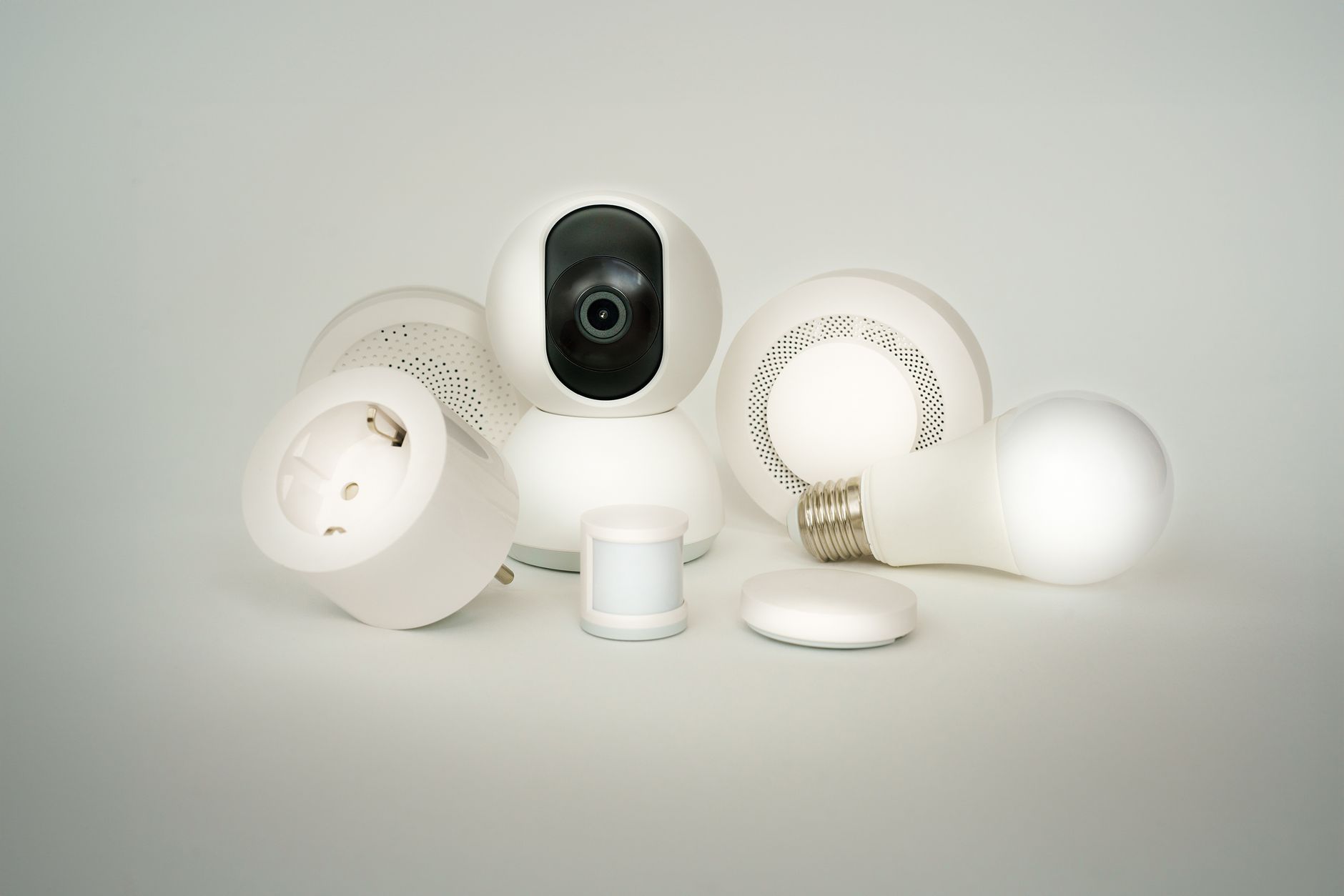
Most wireless safety gadgets follow the same basic setup: unpack, charge if needed, download the app (if required), connect to WiFi, and test. Here’s a practical walkthrough for a motion-activated light, which is among the easiest gadgets to set up. First, charge the device for 1–2 hours. Second, peel off the adhesive backing and mount it to a wall, doorway, or hallway at about six feet high. Third, turn on the motion detection switch (usually a small button on the device). Fourth, test it by waving your hand in front of the sensor. The light should turn on within a second or two.
That’s it—five minutes, no tools, no wiring. For a more complex device like a video doorbell, the process is slightly longer but still straightforward. Most video doorbells mount over an existing mechanical doorbell or simply on the wall with included brackets. The setup app walks you through connecting to your home WiFi and creating an account. The difference between this and a wired doorbell is that you’re not tapping into your home’s electrical system; instead, many models include a small battery or charge via a USB port. A comparison: a traditional hardwired doorbell camera requires running cable and hiring an electrician ($500–$1,500 installed). A battery-powered wireless doorbell costs $50–$150 and takes 15 minutes to install. The trade-off is that you need to charge the battery every few months, whereas a hardwired system never needs charging.
Common Issues and When Wireless Systems Fall Short
The most frequent problem with wireless gadgets is WiFi connectivity. If your home has weak WiFi, or if you live in a rural area with spotty internet, wireless devices may disconnect randomly or fail to send alerts. A fall detection wearable that loses connection to your phone is useless. Some seniors also struggle with app-based alerts—if they don’t use smartphones, setting up and monitoring alerts through an app is unrealistic. In these cases, a wired system or a service-based solution (like a traditional medical alert company with a base station and 24/7 monitoring) might be more appropriate. Battery drain is another real issue.
Wireless devices are convenient until they’re not charged, and seniors don’t always remember to charge them. Some devices have low-battery alerts, but not all do, and even with alerts, a senior might ignore the notification or not understand what to do about it. Falls often happen at night or during bathroom use—exactly when a wearable device is most likely to be left on the nightstand uncharged. A final limitation: wireless devices typically require someone else to respond to an alert. If a fall is detected but the caregiver doesn’t see the notification immediately, valuable time is lost. A fall that happens at 2 a.m. when the caregiver’s phone is on silent is detected but not acted on.

Fall Detection and Emergency Response Wearables
Fall detection devices have improved significantly and come in forms that require no wiring: wearable pendants, smartwatches with fall detection, and bed sensors that detect unexpected motion. The most established option is still the pendant-style emergency alert system, which the wearer presses when they need help. Some newer models include automatic fall detection, which uses accelerometers to sense a sudden drop and automatically alerts a monitoring center. An example: the Apple Watch Series 8 and newer include automatic fall detection and can call emergency services directly if the wearer doesn’t respond. The limitation of these systems is the human factor.
Wearables only work if worn consistently. A pendant left on the nightstand during a fall in the bathroom doesn’t help. Smartwatches are more likely to be worn regularly, but not all seniors are comfortable with smartwatch technology or can afford the subscription cost for emergency monitoring. Additionally, automatic fall detection has false positive rates—some systems trigger if someone drops something heavy or sits down too quickly. A senior might get dozens of false alerts, leading them to ignore the system. For this reason, many systems still rely on the wearer pressing a button, making the “automatic” aspect a secondary feature rather than the primary protection mechanism.
The Future of No-Wiring Senior Safety and Emerging Technologies
Wireless senior safety is advancing toward integration with smart home ecosystems. Rather than buying individual gadgets, seniors and families are increasingly using suites of devices—for example, a motion sensor, a door lock, a camera, and an emergency button all managed through one app and controlled by voice. Google Home and Amazon Alexa environments now include senior-focused features, like medication reminders and emergency calling, without additional wiring. This trend makes the overall experience simpler but creates a new risk: reliance on one company’s ecosystem and potential compatibility issues if you ever want to switch.
Looking forward, artificial intelligence may improve fall detection accuracy and reduce false alarms. Computer vision systems embedded in non-wearable devices (like cameras that detect falls without needing a button press or wearable) are in development, though privacy concerns remain. The ideal wireless system of the near future might combine multiple sensing methods—motion detection, smart floor sensors, smartwatch data, and camera input—to create a comprehensive picture of a senior’s daily activity and only alert when something truly abnormal occurs. However, all these advances still depend on reliable electricity, internet connectivity, and responsive caregivers. Technology reduces risk; it doesn’t eliminate the need for human attention and presence.
Conclusion
No-wiring gadgets offer seniors and their families a practical way to add safety and convenience to the home without expensive installation or disruption. Motion sensors, wireless doorbells, fall detection wearables, and emergency alert devices can be set up in minutes and require no electrician or technical expertise. These tools are genuinely useful for aging in place and providing peace of mind when a family member lives alone or has mobility challenges.
The reality, however, is that wireless technology is only as effective as the systems that support it—the WiFi connection, the battery charge, the caregiver’s response time, and the wearer’s willingness to use the device consistently. Before purchasing any wireless gadget, ask yourself three questions: Does my home have reliable WiFi? Will the senior actually wear or use this device every day? And can a caregiver respond quickly if an alert is triggered? The best technology is the one that fits your actual life, not the one with the most features. Start with one or two devices that address your highest-priority safety concern—often a fall detection pendant or motion sensor in the bathroom—test them thoroughly, and expand from there. Wireless gadgets are a tool for independence, but they work best as part of a larger plan that includes regular check-ins, good lighting, clear pathways, and open communication between seniors and the people who care for them.